Three kinds of block can make CS2 items untradable and keep them out of a trade offer. Some items can never leave the account that holds them, others are locked for seven days after you buy them or receive them in a trade, and sometimes the restriction is on your account rather than the item. Here is how to tell which one you're dealing with and what each means for trading.
Why you can't trade a CS2 item: how to tell what's blocking it
Start with the item itself: select it in your Steam inventory and read its details. Valve says items purchased in-game or on the Steam Community Market "will not be tradable or marketable until after the date indicated on the item", so a recent purchase tells you when its lock ends. An item you received in a trade carries a yellow Trade Protected shield for its first seven days instead. If you see neither, check the permanently untradable items below.
If nothing in your inventory will move, look at the account. Steam says the reason for an account restriction is typically shown when you try to start a trade or use the Market.
An item can also be out of reach without being restricted. Anything inside a Storage Unit doesn't appear in your Steam inventory, and Valve says it can't be traded, marketed, equipped or altered until you retrieve it.
Items that never leave your account
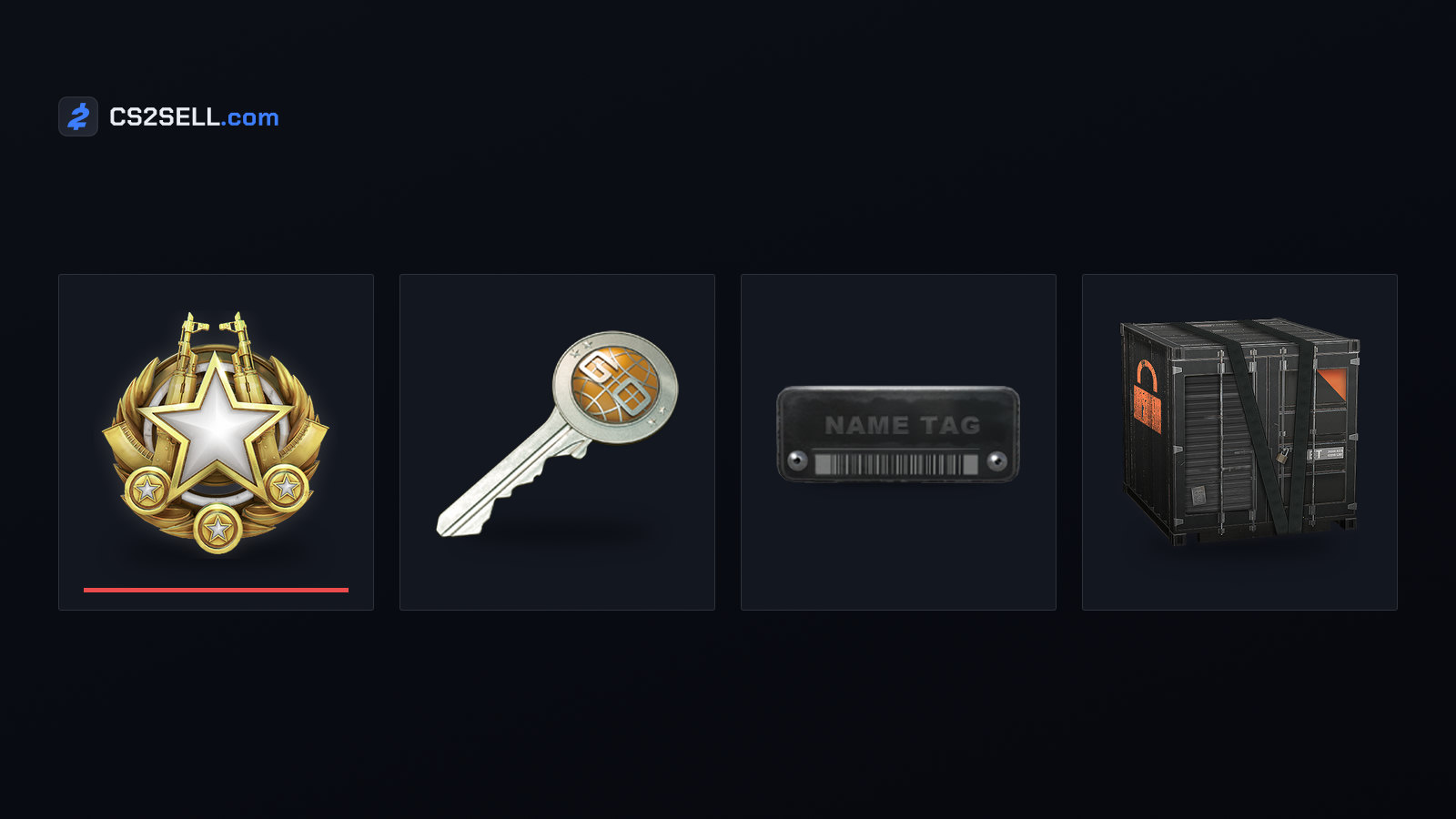
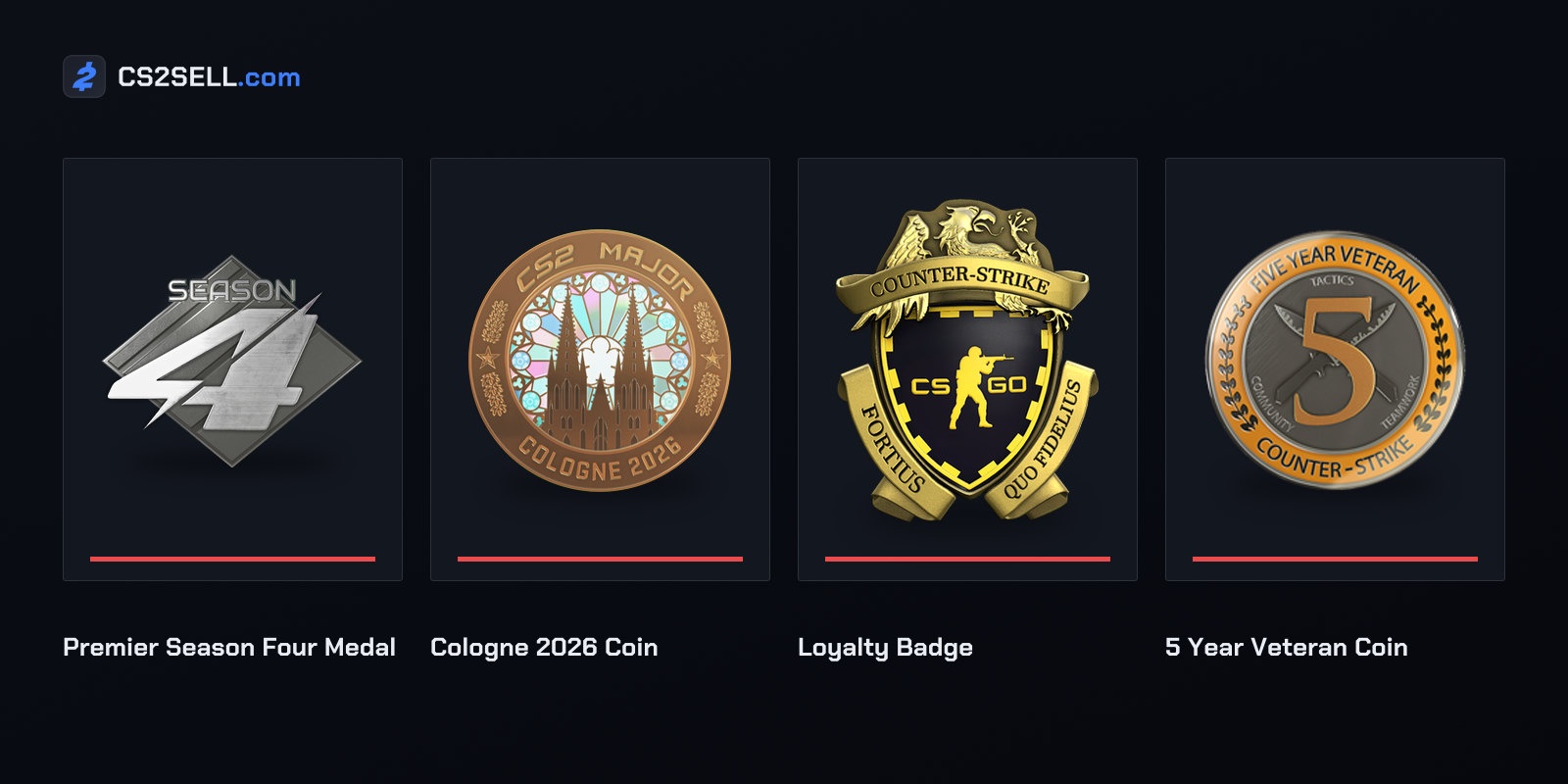
Some items stay with the account that earned or bought them for good. Valve's item definitions, the game file that sets out every CS2 item's properties, give them a "cannot trade" attribute, so they can't go into a trade offer at any point. Graffiti only gets that flag once it's unsealed.
| Type | Examples |
|---|---|
| Medals | Service Medals, Premier Season medals |
| Coins and trophies | Operation coins, Major coins such as the Cologne 2026 Coin, Pick'Em trophies |
| Badges and veteran coins | Loyalty Badge, 5 Year Veteran Coin, 10 Year Veteran Coin |
| Major tokens | Souvenir tokens, Cologne 2026 Tokens |
| Tools and passes | Storage Unit, Armory Pass |
| Graffiti | Any graffiti once it's unsealed |
Keys and tools bought after a cut-off date
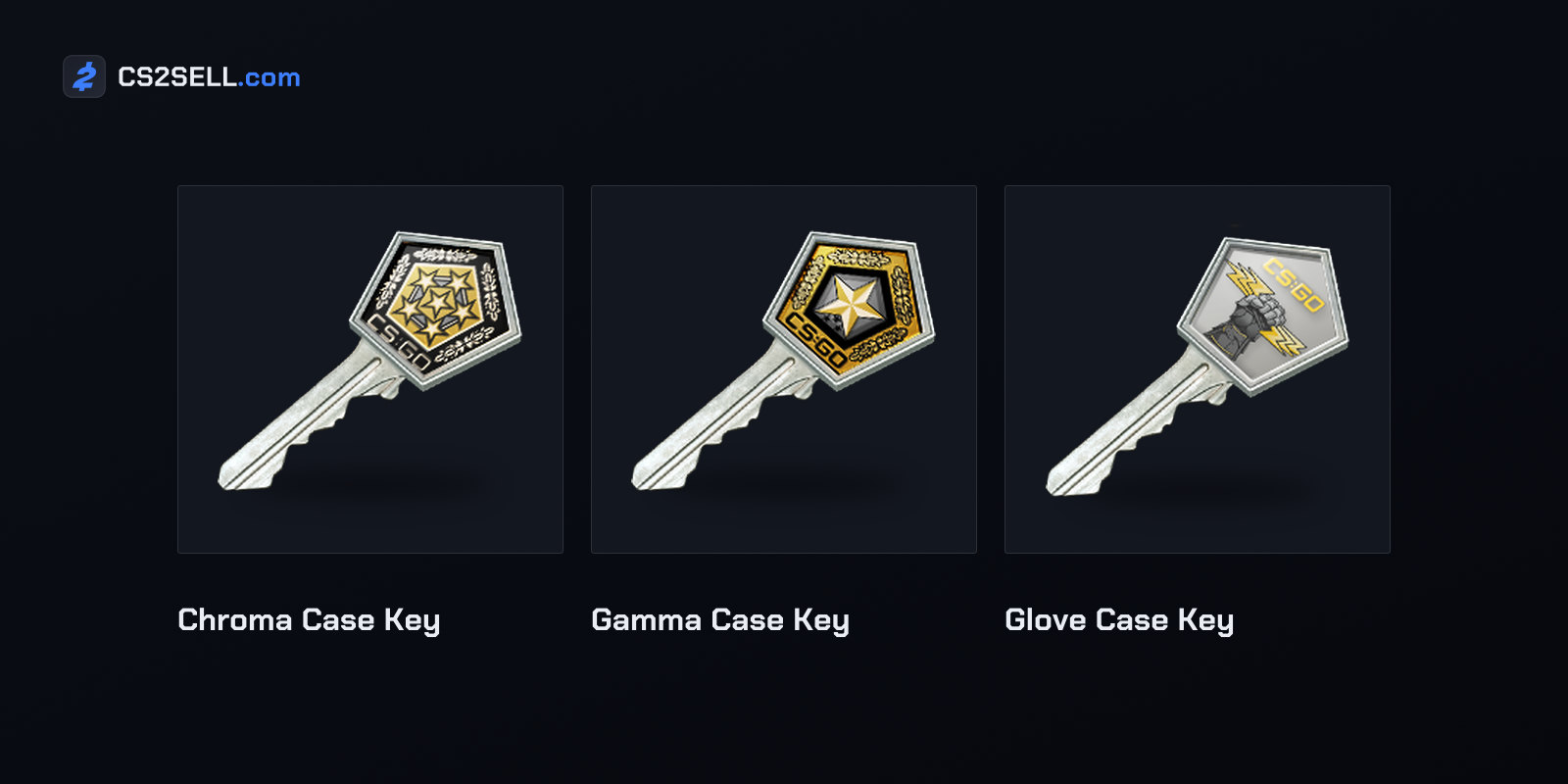
Two more rules depend on when an item was bought. Since October 28, 2019, container keys purchased in-game "can no longer leave the purchasing account", so they can't be traded or sold on the Market. Valve said fraud networks had started using keys to cash out, and that "nearly all key purchases that end up being traded or sold on the marketplace are believed to be fraud-sourced". Keys that already existed were unaffected and could still be traded and sold.
The same thing happened to two tools in Valve's November 12, 2025 update: "Newly purchased Name Tag and StatTrak™ Swap Tool items can no longer be traded or listed on Community Market." Our guide to Name Tags, Storage Units and other tools explains what each one does, and the Steam Community Market history shows how these limits built up.
Items with a 7-day trade lock
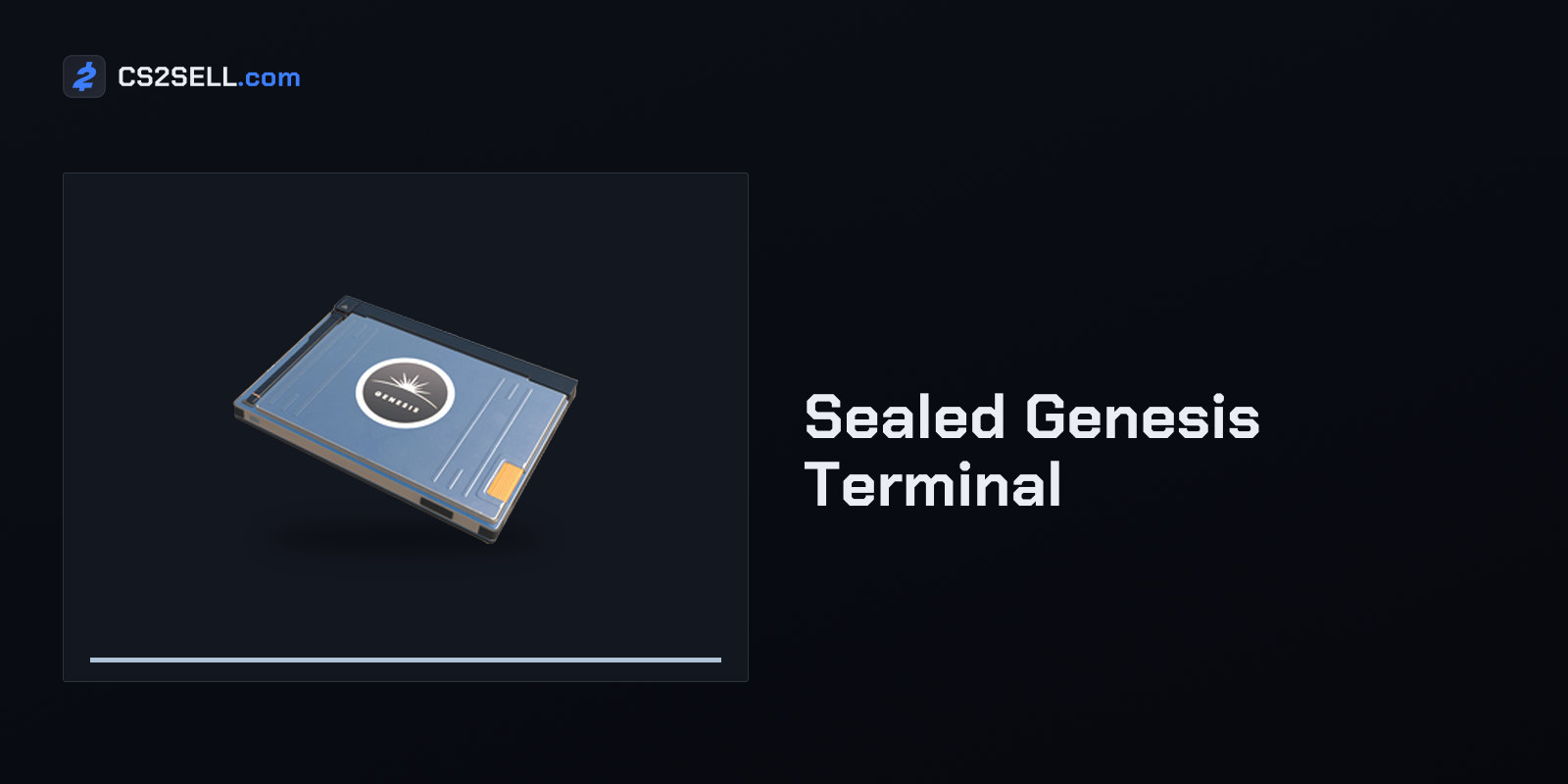
The other locks are temporary and start when an item arrives. On October 2, 2024, Valve made "all items acquired from the in-game store (including the Armory), Trade Offers, and Steam Community Market" subject to a seven-day re-trade and re-market restriction. Skins accepted from a Genesis terminal's offers wait too: Dot Esports' guide says you can trade them after a week.
Items received in trades are now covered by Steam's trade protection. They arrive immediately and you can equip them straight away, but for the next seven days Valve says they "cannot be consumed, modified, or transferred (including being moved to a Storage Unit)". During that week the trade can still be reversed; once it ends, the protection lapses and the item can move again. Our explainer on Steam trade protection covers reversals and the 30-day cooldown that comes with them.
| How you got the item | When it can be traded again |
|---|---|
| In-game store or Armory | 7 days later, after the date shown on the item |
| Steam Community Market | 7 days later, after the date shown on the item |
| Genesis terminal offer | After a week |
| Trade offer | After 7 days of trade protection |
Each lock ends by itself when its time is up. After that, the item can move like any other: you can trade it, list it on the Steam Market or sell it from your CS2 inventory on CS2Sell's Sell page.
When the block is on your account
Account restrictions apply to the whole account rather than single items, stopping trades, Market use or both. Steam's restrictions page lists the causes, among them Steam Guard enabled for less than 15 days, a new device or a forgotten-password reset, a recently removed Mobile Authenticator, the 30-day cooldown after reversing trades, a limited account, and trade, VAC or Overwatch bans. Steam Support says it can't modify any of these restrictions, whatever the circumstances. Our article on Steam Guard and trade holds lists how long each cooldown lasts and how to avoid tripping one.
Before you buy, sell or trade
A few habits follow from these rules:
- Buy tools when you need them. A Name Tag or Swap Tool bought now can't be traded or sold later.
- Keep graffiti sealed until you're ready to spray it.
- Retrieve first. Take items out of a Storage Unit before you set up a trade, and remember that protected items can't go into one for seven days.
- Check the date before agreeing a deal. A skin you bought or received in a trade in the last seven days can't be sent yet, so don't promise it sooner.
- Don't mix in other games' items. CS2 items can't share a trade with items from games that don't use trade protection.
- Don't pay outside Steam for something that can't be traded. A key bought in-game, a new Name Tag or a Service Medal can't be delivered in a trade offer, whatever the seller says.
Sources
- Trading and Market Restrictions — Steam Support
- Trade Protected Items — Steam Support
- CS2 - Storage Units — Steam Support
- Key Change — Counter-Strike blog
- Release Notes for 10/2/2024 — Counter-Strike 2
- Counter-Strike 2 Update, November 12, 2025 — Counter-Strike 2
- items_game.txt, CS2 item definitions — GameTracking-CS2 on GitHub
- How does the Genesis Uplink Terminal work in CS2? — Dot Esports