When Steam can't send or accept a trade offer, the error message often ends with a number in brackets, such as (15) or (26). That number is one of Steam's general result codes, and the same code can have more than one cause. Here is what the common codes mean for offers with CS2 items, which rules stop an offer before any code appears, and what to check before you try again.
First, check whether the trade went through
The messages themselves are generic: "There was an error sending your trade offer. Please try again later." or, when you accept one, "There was an error accepting this trade offer. Please try again later." The number after them is the useful part.
An error doesn't always mean nothing happened. A 16 means Steam's web server didn't hear back from its trade offer server in time, and SteamErrors.com, a reference for Steam's error codes, says the trade may well have gone through. A Steam Community guide goes further, saying an 11 or 16 on accepting means the trade went through and just took longer than Steam expected.
So check your Trade History and inventory before you try again. Our guide to Steam's trade, inventory and Market history shows where to look.
If the other person can't find an offer you just made, open the Steam Mobile app. Offers have to be confirmed there, or by email if you don't use the app, and Valve's FAQ says an offer is sent once you confirm it. Until then, there's nothing for them to accept.
What Steam trade error codes mean
The codes come from EResult, the general list of result codes in Valve's Steamworks documentation, so some names read oddly for a trade: 26 is "Revoked", which Valve notes is used for revoked guest passes. SteamErrors.com lists the codes trade offers return and explains each in trading terms.
| Code | Steam's name | What it usually means for an offer |
|---|---|---|
| 2 | Fail | Something unexpected went wrong |
| 11 | InvalidState | The offer can't be acted on; usually you need a new one |
| 15 | AccessDenied | You can't trade with this person, or one side can't send or receive an item |
| 16 | Timeout | Steam didn't answer in time; the trade may have gone through |
| 20 | ServiceUnavailable | The trade offer service is unavailable for now |
| 25 | LimitExceeded | Too many active offers, or a full inventory when accepting |
| 26 | Revoked | An item isn't in the inventory the offer takes it from |
| 28 | AlreadyRedeemed | Sources differ; check whether the offer was already accepted |
On 28 the references disagree: SteamErrors.com says a 28 on accepting suggests the offer has already been accepted, while the Steam Community guide blames Steam's inventory servers being down. Check your Trade History before doing anything else. A 16 or 20 comes from Steam's side, so give it a while before retrying. If it happens on a Tuesday, check whether Steam's weekly maintenance is running before you retry.
Steam trade error 15: access denied
A 15 means Steam won't let the trade go ahead, because of the accounts or the items in it. SteamErrors.com lists four causes:
- No trade token. You aren't friends, and the offer wasn't sent with their trade token, the access key in a trade URL.
- A wrong token. The token didn't match, for example because the trade URL is out of date. Creating a new trade URL retires the old one, so ask for the current link; our trade URL guide shows where to find it.
- A ban. One of you can't trade that game's items. Valve says a VAC (Valve Anti-Cheat) ban, cooldown or Overwatch ban stops an account from making trades for CS2 items.
- A full inventory. You're sending items and the other person's inventory for that game has no room.
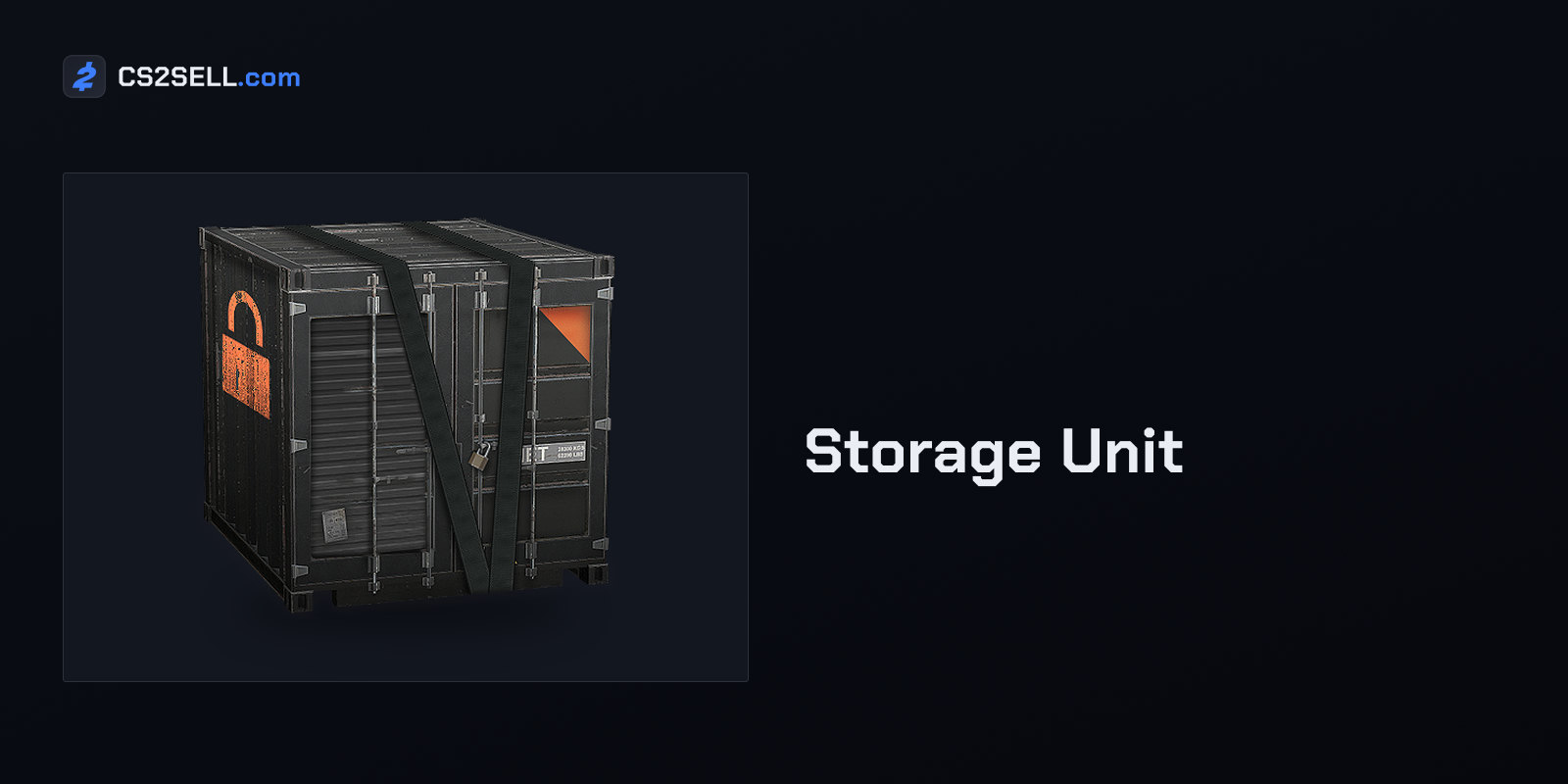
A CS2 inventory holds 1,000 items, and holding more takes a Storage Unit, which adds room for another 1,000. Items inside a unit don't appear in the Steam inventory and can't be traded until they're retrieved, so the receiving side can make space by moving items into one. Items received in a trade can't go into a unit for their first seven days, though.
Errors 25 and 26
A 25 means you've hit a limit. SteamErrors.com puts it at 5 active offers to the same person, counting offers still waiting for your confirmation, or 30 active offers in total. Valve's trade offer FAQ doesn't give these numbers, so treat them as a guide and cancel offers you no longer need before trying again. A 25 when you accept can instead mean your inventory for that game is full.
A 26 indicates that at least one item isn't in the inventory the offer takes it from. That can happen when an item has been traded away or sold since the offer was made, and Valve's FAQ says such an offer becomes inactive and can no longer be accepted. Reload both inventories and build a new offer from what's actually there.
CS2 rules that stop an offer before any error
Some trades never reach an error, because Steam won't let the item into an offer at all. Items you received in a trade are trade protected for seven days, items bought in the in-game store or on the Community Market stay locked until the date shown on them, some items can never be traded, and anything in a Storage Unit has to be retrieved first. Our guide to untradable CS2 items explains how to tell these apart.
The offer has limits of its own. It can't include Steam Wallet funds, CS2 items can't share an offer with items from games that don't use trade protection, and since April 22, 2026, an offer containing CS2 items is limited to 1,000 items.
Some account restrictions block trading for a set time. Valve's list includes a device Steam hasn't seen before (7 days, unless you've had the Mobile Authenticator for at least 7 days), a forgotten-password reset (5 days, or 30 if the account was inactive for over two months), a removed authenticator (15 days) and the 30 days after you reverse trades. Steam typically shows the reason when you try to trade, and Steam Support can't lift it.
When a failed offer is a warning sign
Be careful when an offer fails in a way you didn't cause. If an offer you made is cancelled and a near-identical one appears in your confirmations going to a different account, don't confirm it. That's trade redirection, a scam that needs access to your account. Our article on the API key scam explains it and how to lock the account down.
The same goes for a trade partner who says your offer failed and asks you to send the items again. Check Trade History first. Valve's FAQ says all trades are final, and the undo Steam offers for CS2 items is reversing every protected trade from the past seven days at once, which also restricts your own account for 30 days.
Sources
- Steam Trade Offers — Steam Support
- Trading and Market Restrictions — Steam Support
- Trade Protected Items — Steam Support
- CS2 - Storage Units — Steam Support
- steam_api.h, EResult values — Steamworks Documentation
- Steam Trade Offer Error Codes — SteamErrors.com
- Steam Trade Errors (guide) — Steam Community
- Counter-Strike 2 Update, April 22, 2026 — Steam Community