Giving someone a CS2 skin is a trade where you ask for nothing back: you send a Steam trade offer with items on your side only, and your friend gets them as soon as they accept. Steam treats that as a gift, and for seven days either of you can still undo it. Here is how to send one, what can block it and what can't be given at all.
How to gift a CS2 skin with a trade offer
You can send a trade offer to a friend whose inventory you can see, or to anyone who has given you their trade URL, so you don't need to be on each other's friends lists. Our guide to the Steam trade URL shows where your friend finds it.
Open the trade URL, or go to Inventory, Trade Offers and New Trade Offer and pick your friend. Then:
- Drag the skins into your side of the offer and leave your friend's side empty.
- Tick the box confirming the trade contents and click Make Offer. Because you get nothing back, Steam shows a dialog saying the items count as a gift.
- Confirm the offer in the Steam Mobile app, or by email if you don't use the Mobile Authenticator. There is no way to opt out of this step.
The skins stay in your inventory until your friend accepts, so you can cancel under Sent Offers, and an unanswered offer expires after two weeks. Anything in a Storage Unit has to come out first. Our guide to how Steam trade offers work covers counter-offers and what to check before accepting.
What your friend's account needs
A gift only arrives if the receiving account can trade, and the same rules apply to the sender. Valve's restrictions page lists these blocks, among others:
| Situation | Trading |
|---|---|
| Steam Guard off, or on for less than 15 days | Blocked |
| Signed in on a new device | Blocked on that device for 7 days, unless the Mobile Authenticator is at least 7 days old |
| Forgotten password reset | Blocked for 5 days, or 30 if inactive for over two months |
| Mobile Authenticator removed | Blocked for 15 days |
| VAC or Overwatch ban | No trades for CS2 items |
So a brand-new account can't receive a gift for at least 15 days. Steam usually shows the reason when a trade is blocked, and Steam Support can't lift these restrictions.
Accounts that haven't spent $5 on Steam are limited, and playing free-to-play games doesn't count towards that. Valve's list of what they can't do includes adding friends, adding messages to trade offers, the Community Market and trading Steam Community items such as trading cards; CS2 items aren't on it. A limited friend can still accept your invite, though the trade URL is simpler.
What happens after your friend accepts
CS2 items arrive at once, with no trade hold or escrow, but every item received in a trade is protected for seven days. Your friend can equip the skin straight away, but can't trade, sell, use up or modify it, or put it in a Storage Unit, until the week is over.
During that week either of you can reverse the trade from Trade History, but it's a poor way to take a gift back:
- It isn't selective. It undoes every trade containing protected items from the last seven days, not just the gift, and sends each item back to its previous owner.
- It costs whoever starts it. That account loses trading and Market access for 30 days, its Market listings are taken down and its pending offers are cancelled. Steam Support can't lift that restriction, and the other side gets no cooldown.
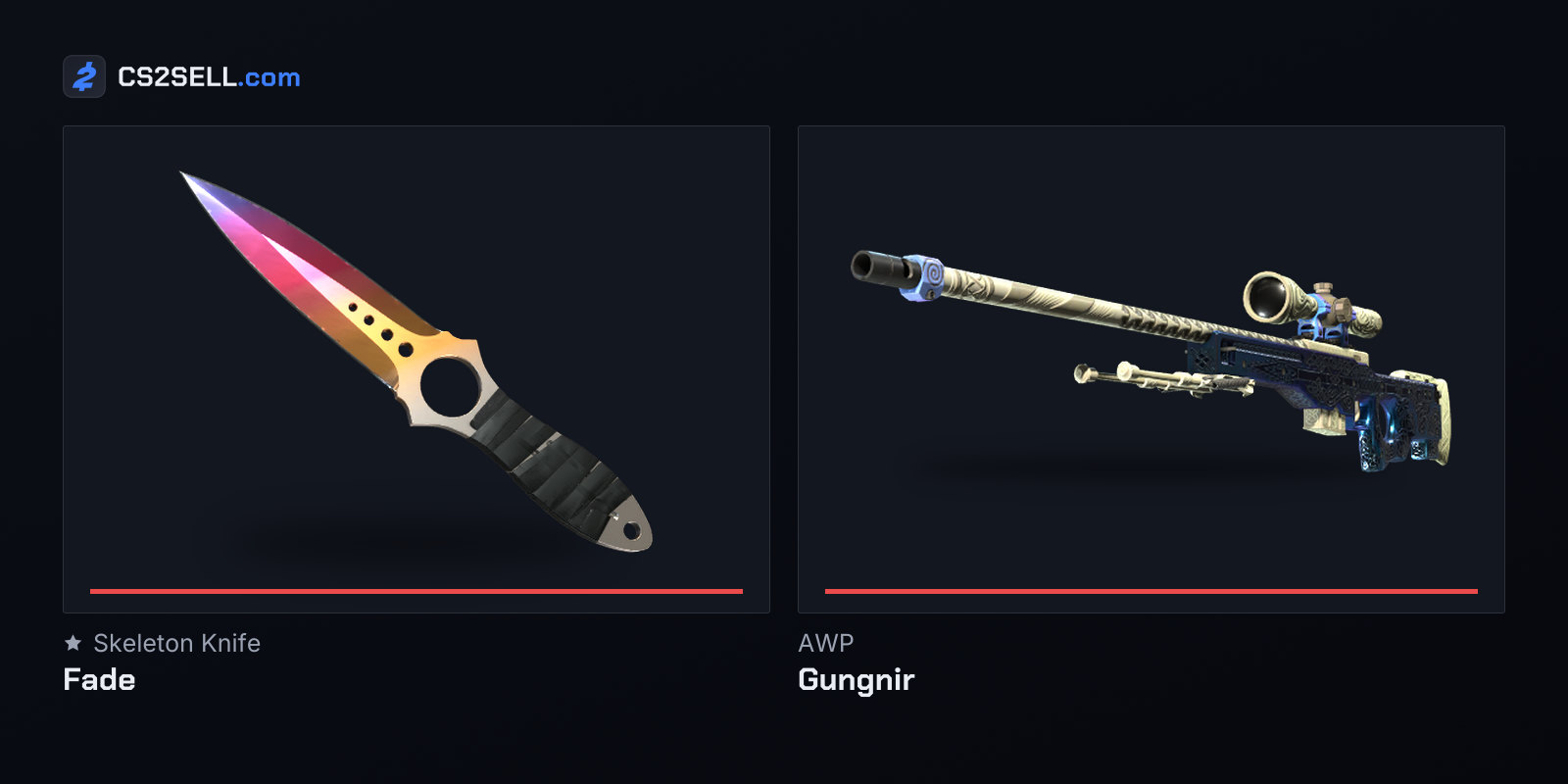
So decide before you send. A friend who doesn't want the skin should simply decline the offer. After seven days the trade is final, and Steam Support doesn't restore items that left an account through gifting. The trade protection explainer has the full reversal rules.
Buying a skin to give, and what can't be gifted
If you're buying the present, buy it at least a week ahead. Since October 2, 2024, items from the in-game store (the Armory included) and the Steam Community Market have carried a seven-day trading lock, shown as a date on the item, and a skin you receive in a trade is protected for seven days too. To pick a particular copy, Buy on CS2Sell has filters for wear, float range, pattern and stickers.
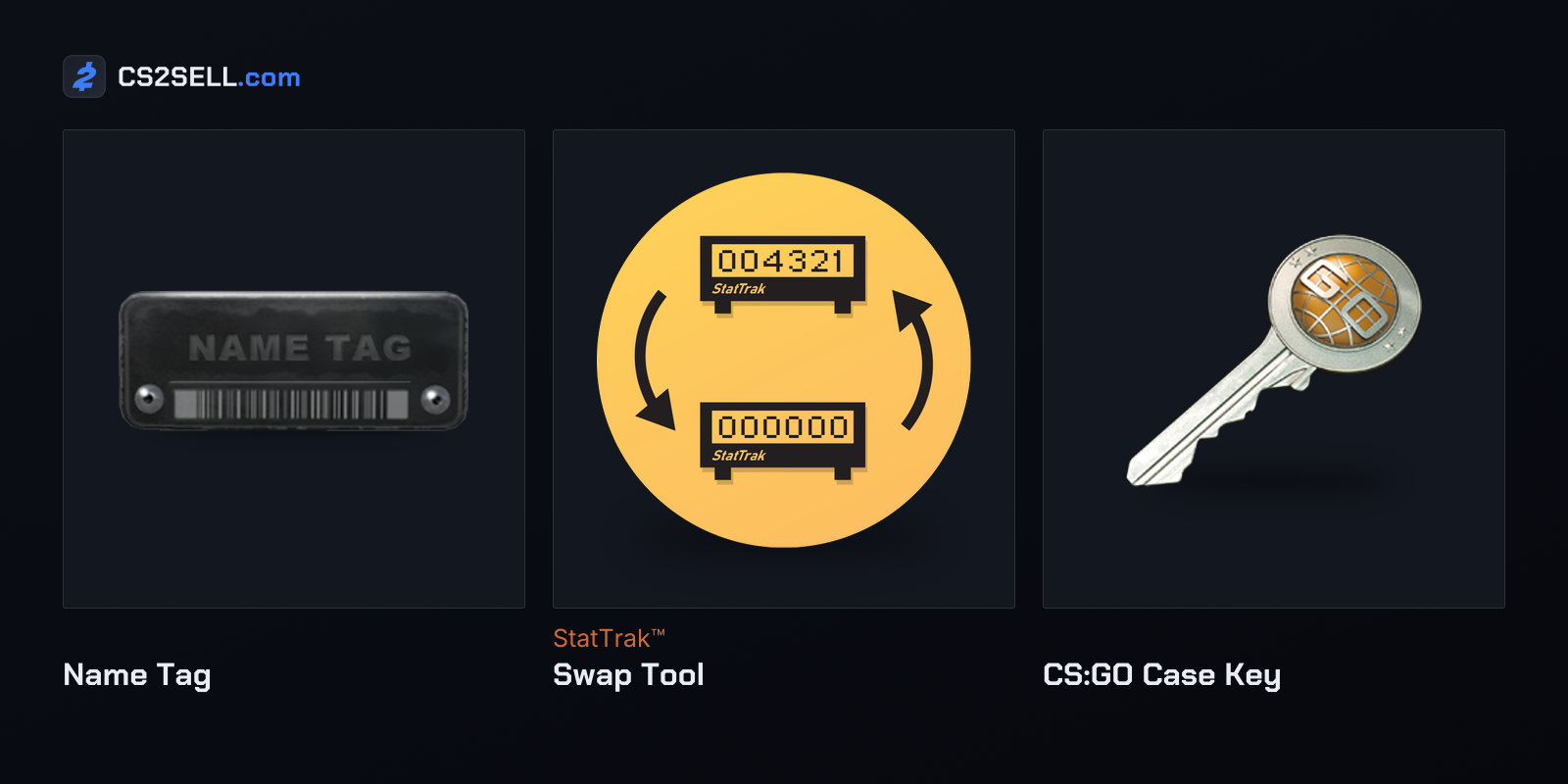
Some things can't be gifted however long you wait: case keys bought in-game since October 28, 2019, Name Tag and StatTrak™ Swap Tool items bought since November 12, 2025, Armory Passes, Prime Status and Steam Wallet funds. Our guide to untradable CS2 items covers the rest.
Prime can't be bought for a friend either: Steam's store data marks the Prime Status Upgrade as not purchasable as a gift.
To give Steam money, send a digital gift card; your own wallet balance can't pay for one. It lands in your friend's wallet once they accept, converted to their currency, and you're refunded if they decline. They can spend it on the Community Market only if their account isn't limited, and a gift card from a friend doesn't count towards the $5 that lifts the limit.
CS2's own gift items
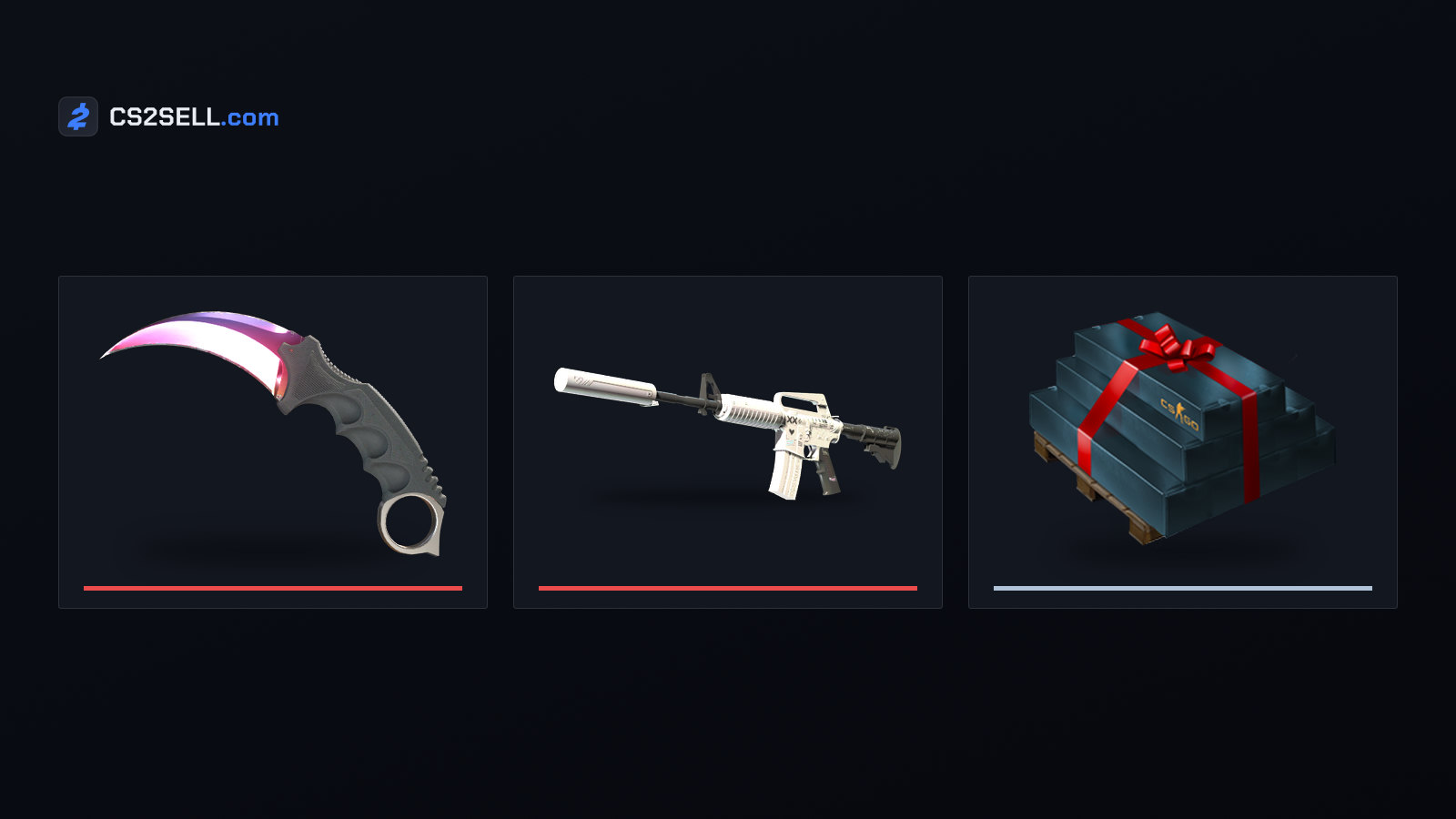
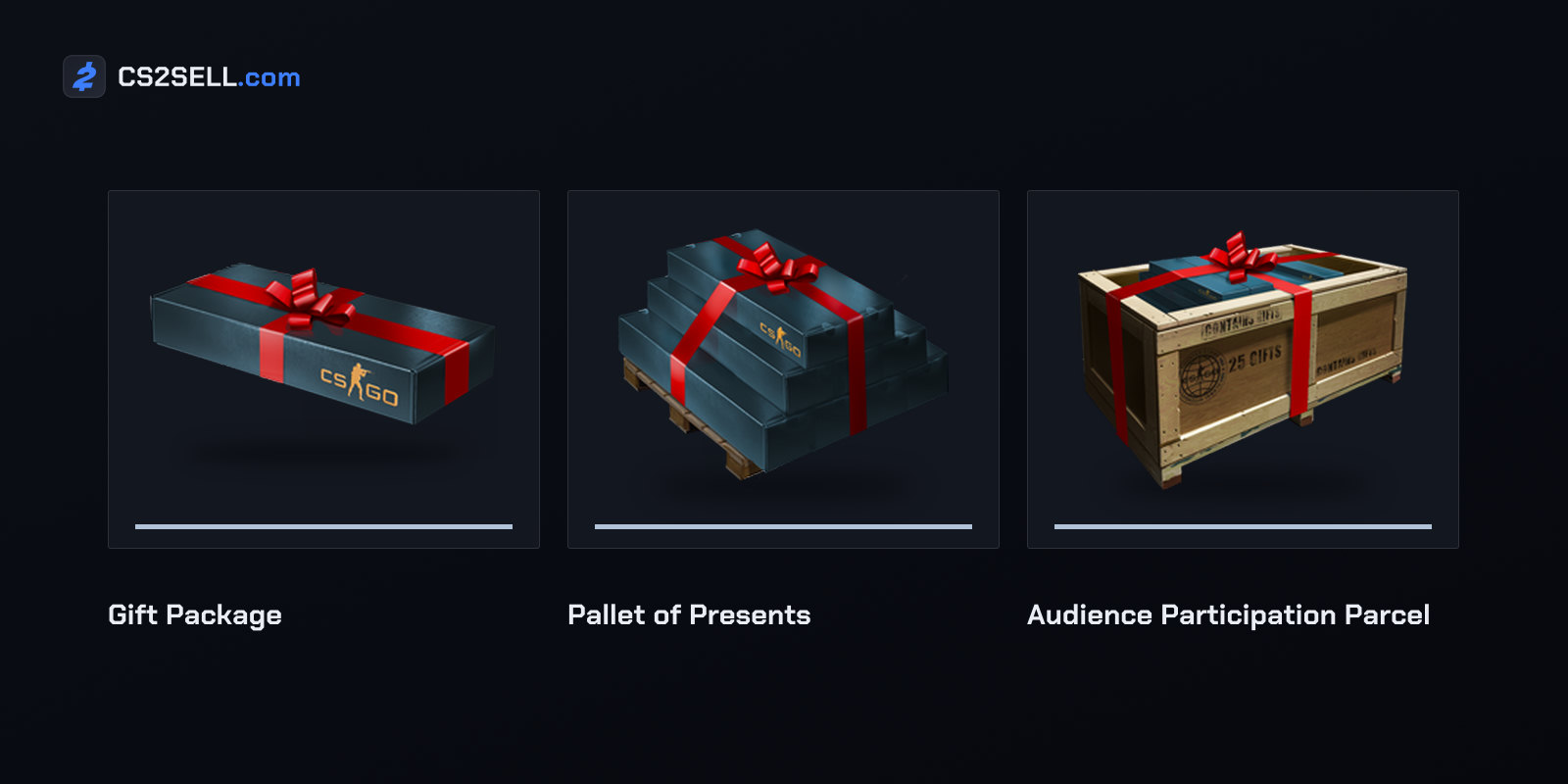
Counter-Strike does have gift items, just not ones that deliver a chosen skin. The Winter Offensive update in December 2013 added three: the Gift Package hands one random item to a random player in your match, the Pallet of Presents sends random items to as many as nine players in the match, and the Audience Participation Parcel sends them to as many as 25 people watching it. CS2's item files still define all three.
Gifts, loans and the scams around them
Valve's trading advice is blunt about lending: "If you give another player an item, there is nothing to stop them from keeping it." To Steam, a loan is a gift, and the only way to force it back is a reversal within the week, at the cost of the 30-day cooldown.
The gift dialog appears whenever you'd get nothing back, so if it shows up on what you thought was a swap, cancel and recheck the offer. Three set-ups to watch for:
- "Buy it for me." Someone promises you an item if you buy something on the Steam Market and trade it to them. Valve warns that the seller is working with the scammer.
- Send now, paid later. Valve's advice is to complete any trade in a single offer, so don't hand over your side first on a promise.
- Gifts from strangers. An unexpected skin can be reversed for a week by the sender, or by the real owner if the account was hijacked, so don't pay or send anything for one.
Sources
- Steam Trade Offers — Steam Support
- Recommended Trading Practices — Steam Support
- Trading and Market Restrictions — Steam Support
- Limited User Accounts — Steam Support
- Trade Protected Items — Steam Support
- Steam Gift Cards — Steam
- Prime Status Upgrade store data — Steam Web API
- CS:GO – The Winter Offensive Update — Counter-Strike blog