CS2 viewmodel commands control where your weapon and hands sit on screen, from how far away the gun looks to which hand holds it. The settings menu offers two presets and a choice of hand; everything finer is done in the console. Many guides still print CS:GO's numbers, so the ranges below come from the game's own command list in the build of October 22, 2026.
How to change viewmodel in CS2
Open Settings, go to the Game tab and scroll to the Item section. Two options there shape the viewmodel:
- Viewmodel Position: Desktop or Classic. These are the console values
viewmodel_presetpos 1and2, and Desktop is the default. - Preferred Viewmodel Left/Right Handedness: Right or Left, the same as
cl_prefer_lefthanded 0or1. A button beside it jumps to the key binding for switching hands.
The menu has no slider for viewmodel FOV or the offsets. For those, turn on Enable Developer Console in the Game section of the same tab, open the console and type the commands. Our console commands guide covers the console and the autoexec file in detail.
CS2 viewmodel commands and their ranges
| Command | What it moves | Range | Default |
|---|---|---|---|
viewmodel_fov | How far away the weapon is drawn | 60 to 68 | 60 |
viewmodel_offset_x | Towards or away from the centre of the screen | −2 to 2.5 | 1 |
viewmodel_offset_y | How far out you hold the weapon | −2 to 2 | 1 |
viewmodel_offset_z | How high it sits | −2 to 2 | −1 |
viewmodel_presetpos | Preset: 1 Desktop, 2 Classic | 1 or 2 | 1 |
cl_prefer_lefthanded | Default hand | 0 right, 1 left | 0 |
A higher viewmodel_fov pushes the gun further from the centre and makes it look smaller. The axis descriptions above follow Dot Esports' explanation: X moves the weapon in and out of the middle, Y changes how far out you hold it and Z sets its height.
Older guides still quote a viewmodel FOV from 54 and an X offset down to −2.5, the CS:GO ranges. CS2's limits are tighter on those two: 60 at the lowest for FOV and −2 for X.
These values are saved with your settings, so you set them once. They are also sent to the server: since April 25, 2024 your viewmodel position and hand have been visible to anyone spectating you in first person, and a May 7, 2026 fix made your viewmodel FOV show correctly to them too.
Left-handed viewmodels
CS2 launched without a left-handed option. Valve added it in the April 25, 2024 update, together with a "Switch Viewmodel Left/Right Hand" key, H by default on US keyboards, that swaps hands temporarily during a round. Our April 2024 update article covers the rest of that patch.
Three console commands handle hands:
switchhandsflips to the other hand; it is what the H key runs.switchhandsleftandswitchhandsrightpick a hand outright. Valve added them on May 23, 2024, so a bind always lands on the hand you want instead of toggling.cl_prefer_lefthanded 1sets left as your default for every match.
CS:GO's cl_righthand is not in CS2's command list, so old configs that use it do nothing.
CS2 FOV: viewmodel FOV vs field of view
viewmodel_fov changes only how the weapon is drawn. Your actual field of view, how much of the map you see, is fixed: PCGamingWiki gives a default of 90 degrees with horizontal-plus scaling, so a wider screen shows more at the sides rather than less at the top and bottom. The command that changes it, fov_cs_debug, is cheat-protected and "sets the view fov if cheats are on", which means a private server with sv_cheats 1. The same goes for r_drawviewmodel 0, which hides your weapon entirely.
CS:GO viewmodel commands that are gone
Several CS:GO viewmodel settings didn't survive into CS2:
- The Couch preset. Valve deprecated it on April 25, 2024, leaving Desktop and Classic.
- Bob commands.
cl_bobamt_lat,cl_bobamt_vert,cl_bob_lower_amtandcl_bobcyclearen't in CS2. Valve adjusted the viewmodel bob itself in April 2024; there are no player settings for it. - Recoil and shift.
viewmodel_recoil,cl_viewmodel_shift_left_amtandcl_viewmodel_shift_right_amtare gone too.
If a config copied from an old guide has these lines, delete them. They don't break anything, but they don't change anything either.
Choosing a viewmodel
There is no setting that suits everyone; it is a trade between seeing your weapon and seeing the map. Dot Esports wrote in May 2026 that "most competitive CS2 players use viewmodel_fov 68", the maximum, because it keeps the gun away from the middle of the screen. Its suggested starting point adds an X offset of 2.5, Y of 1 and Z of −1.5, which moves the weapon sideways and lowers it. Try changes on a practice map before taking them into a match, along with your crosshair, which our crosshair codes guide covers.
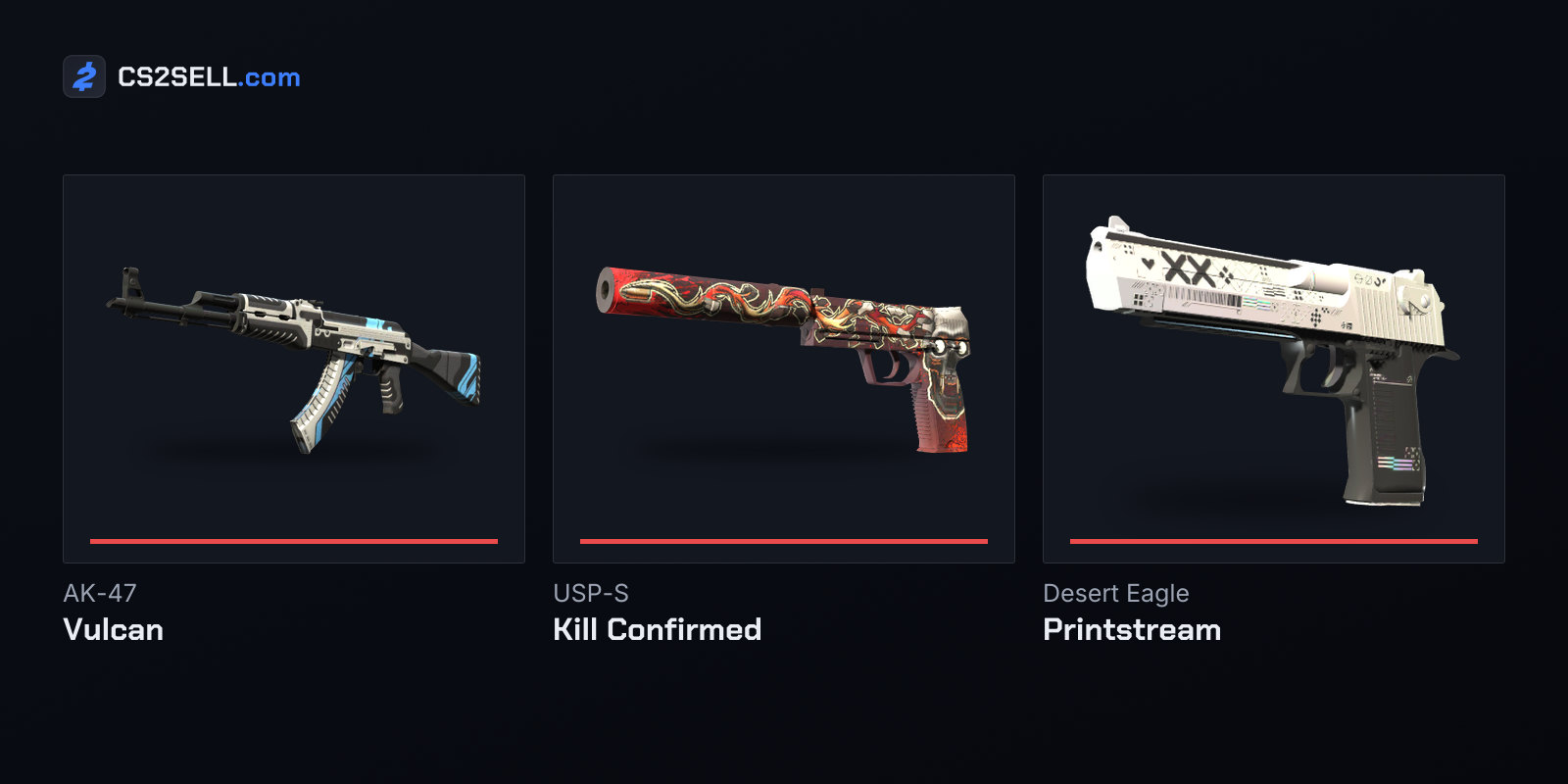
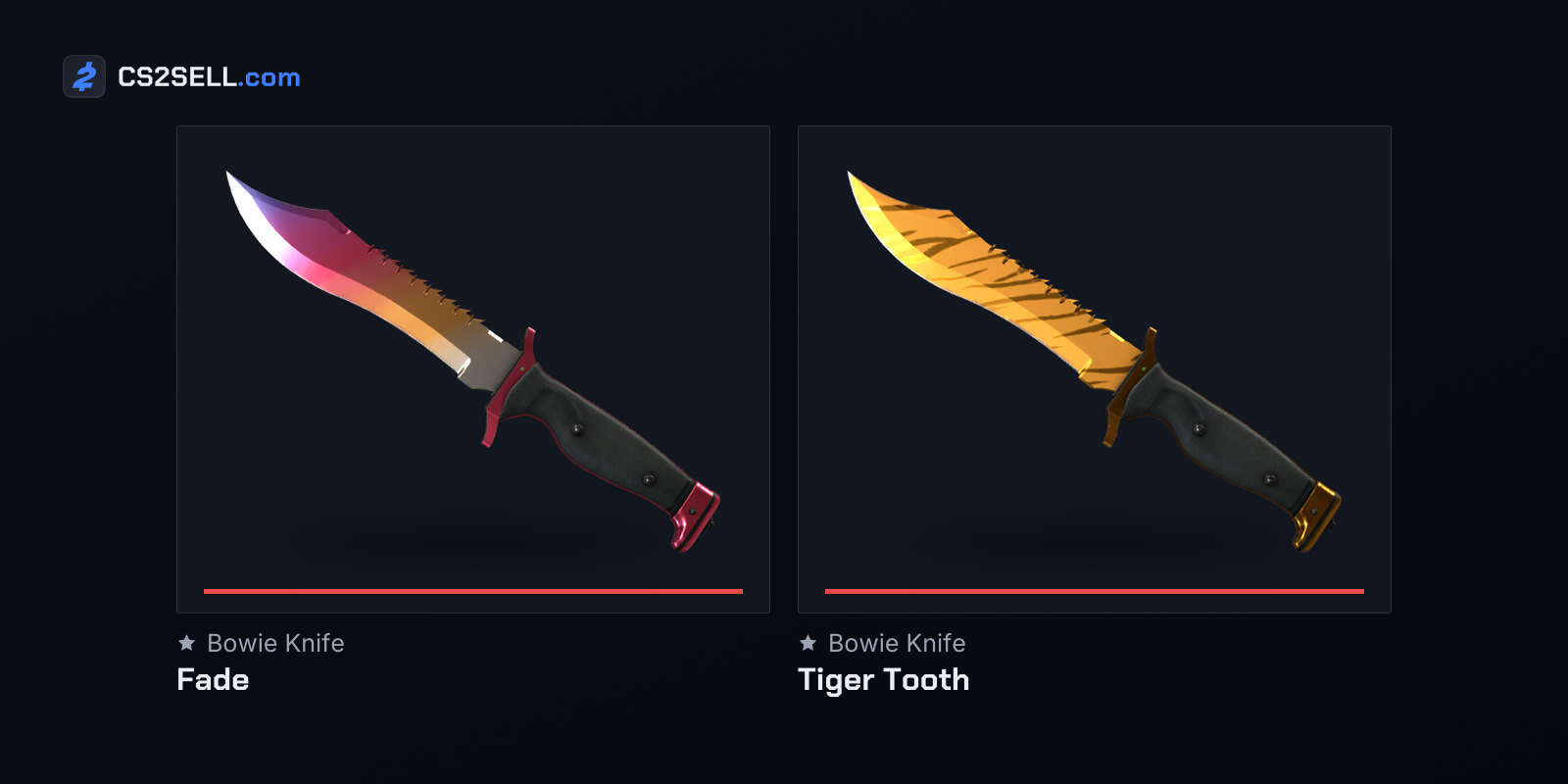
Your viewmodel also affects how you see your skins. Since October 29, 2024 the first-person inspect in your inventory and loadout uses your in-game viewmodel settings and FOV, so a finish looks the way it will in a match. Our inspect guide explains what to look for.
Sources
- Release Notes for 4/25/2024 — Counter-Strike 2 news
- Release Notes for 5/23/2024 — Counter-Strike 2 news
- Release Notes for 10/29/2024 — Counter-Strike 2 news
- Counter-Strike 2 Update (May 7, 2026) — Counter-Strike 2 news
- CS2 convar dump, build of October 22, 2026 — SteamTracking on GitHub
- CS2 Game settings layout — SteamTracking on GitHub
- Counter-Strike 2 — PCGamingWiki
- Best CS2 viewmodel and FOV settings for 2026 — Dot Esports