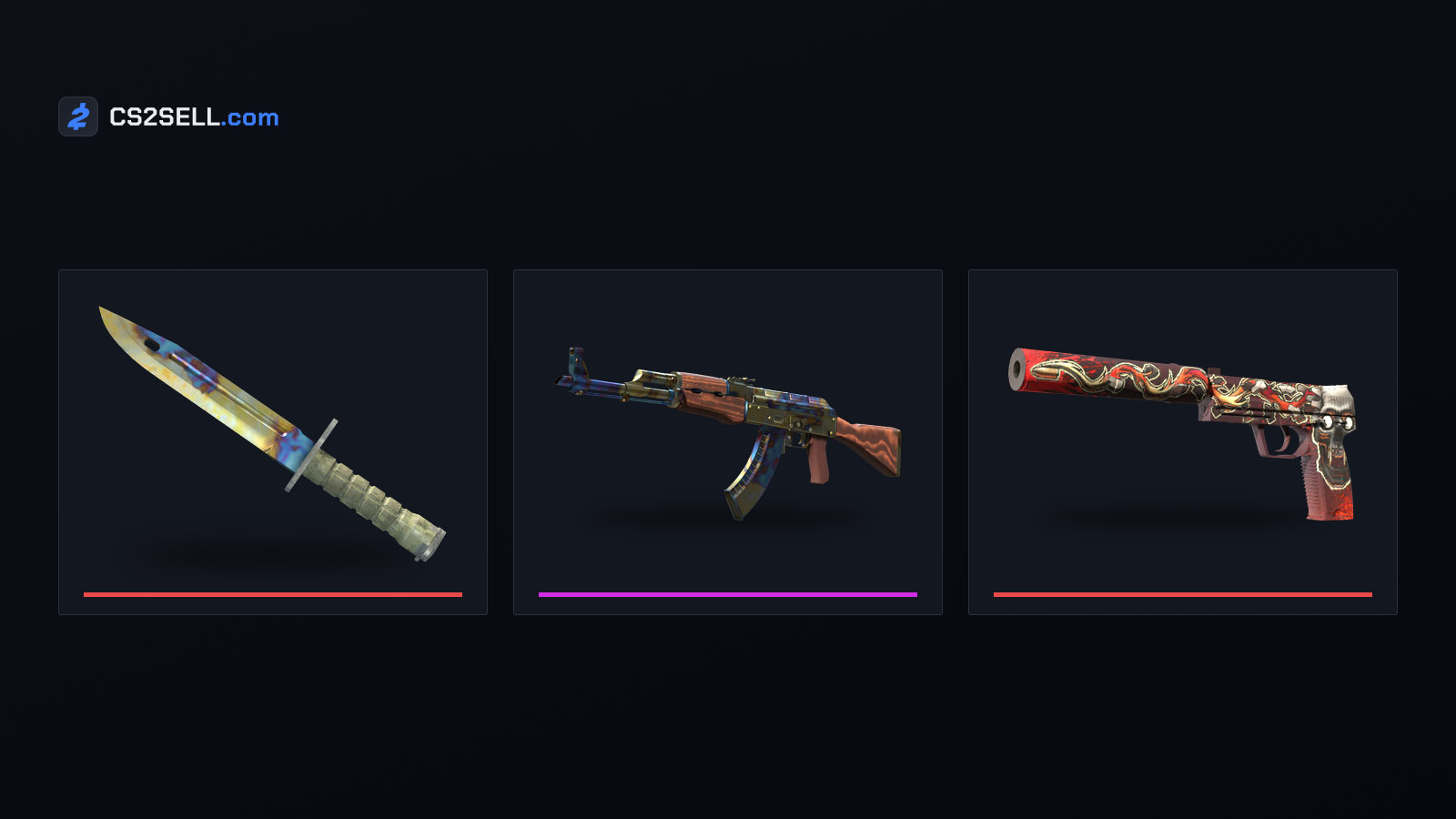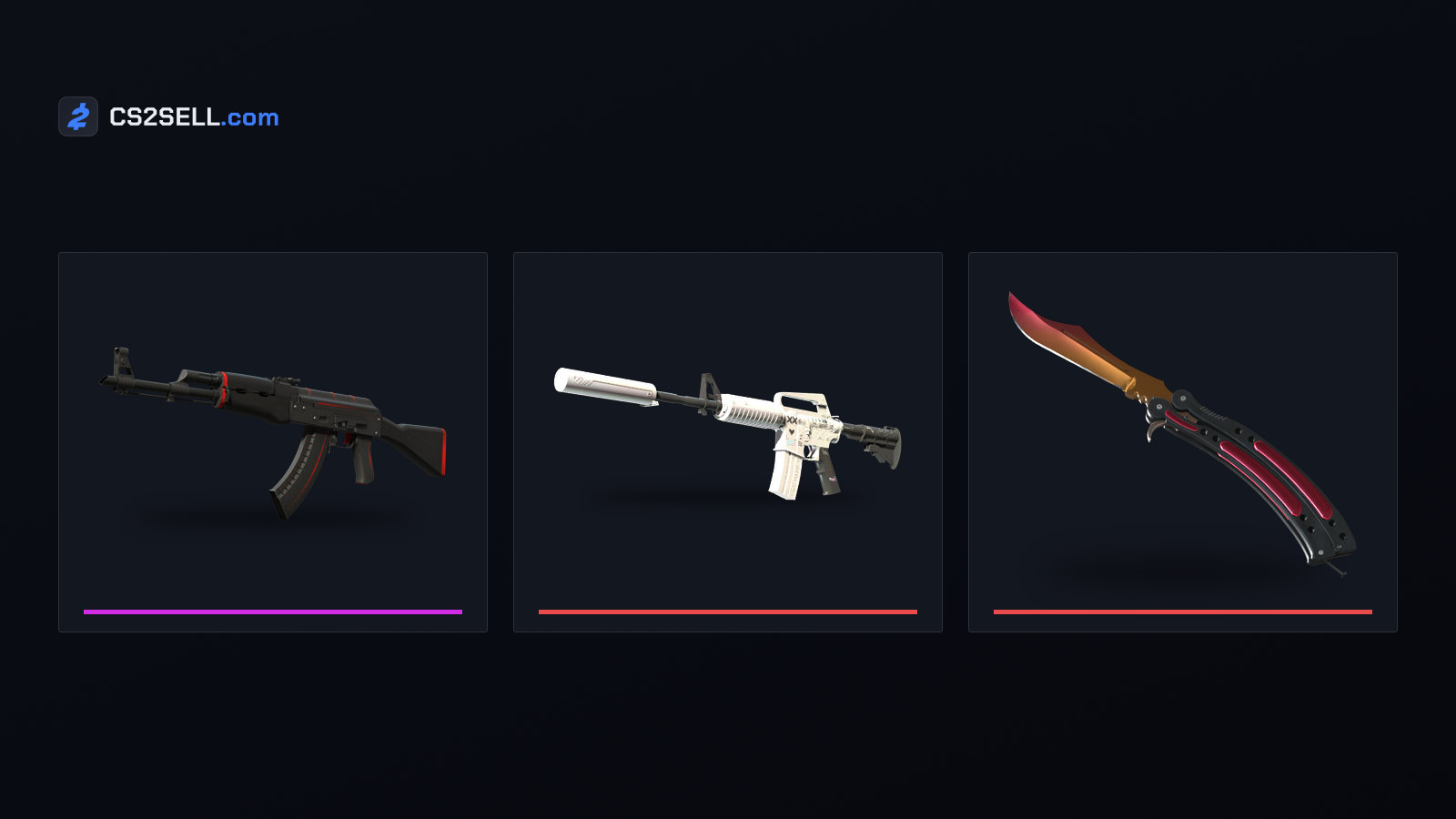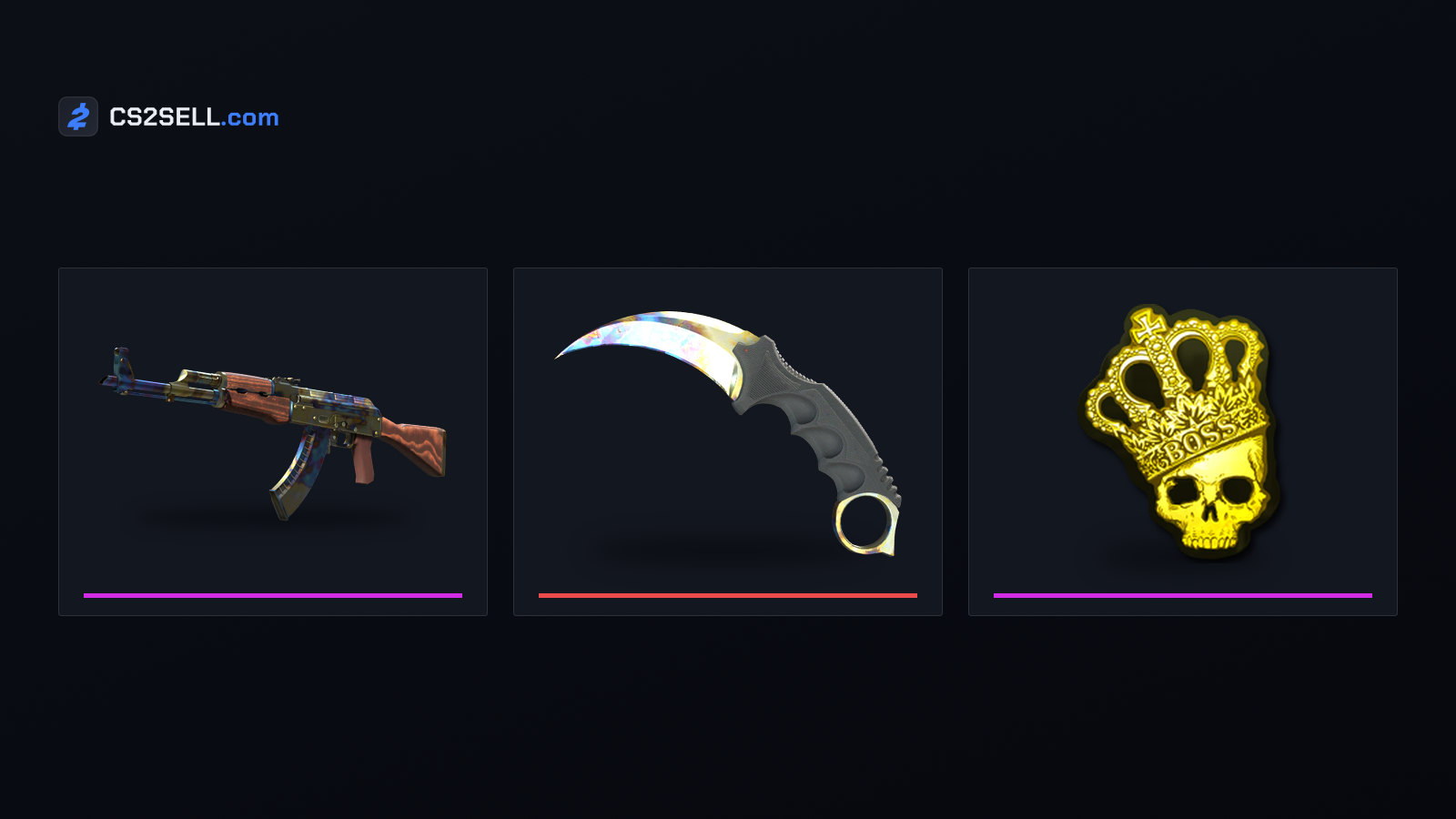
A CS2 inspect server is a community server running a plugin that hands your character whatever skin you describe, with the float, pattern seed and stickers you choose. Players use them to see a combination in the game, often before buying it. What you hold there isn't an item, though, and the servers run against Valve's rules for community servers. Here is how they work, how a gen code differs from a real inspect link, and what each one proves.
What a CS2 inspect server does
Inspect servers aren't Valve's. They're ordinary community servers with a plugin installed, and you connect to one like any other community server. Once you're in, you paste a short command into chat and the server equips your player with a weapon built from the numbers in it.
That weapon exists only on that server, for that session. Nothing is added to your Steam inventory, so there's nothing to keep, trade or sell when you leave. Valve's own guidelines describe these plugins as mods that "generate/simulate items that are not owned by a player".
CS2 gen codes explained
The command is usually called a gen code. Documentation for an open-source inspect library sets out the common format: an exclamation mark and the word gen, then the item's definition index, the paint index, the pattern seed and the float, optionally followed by a sticker ID and sticker wear for each of the five slots. The same library can also write codes with a shorter g prefix, and plugins differ in the details, so check the server's own instructions.
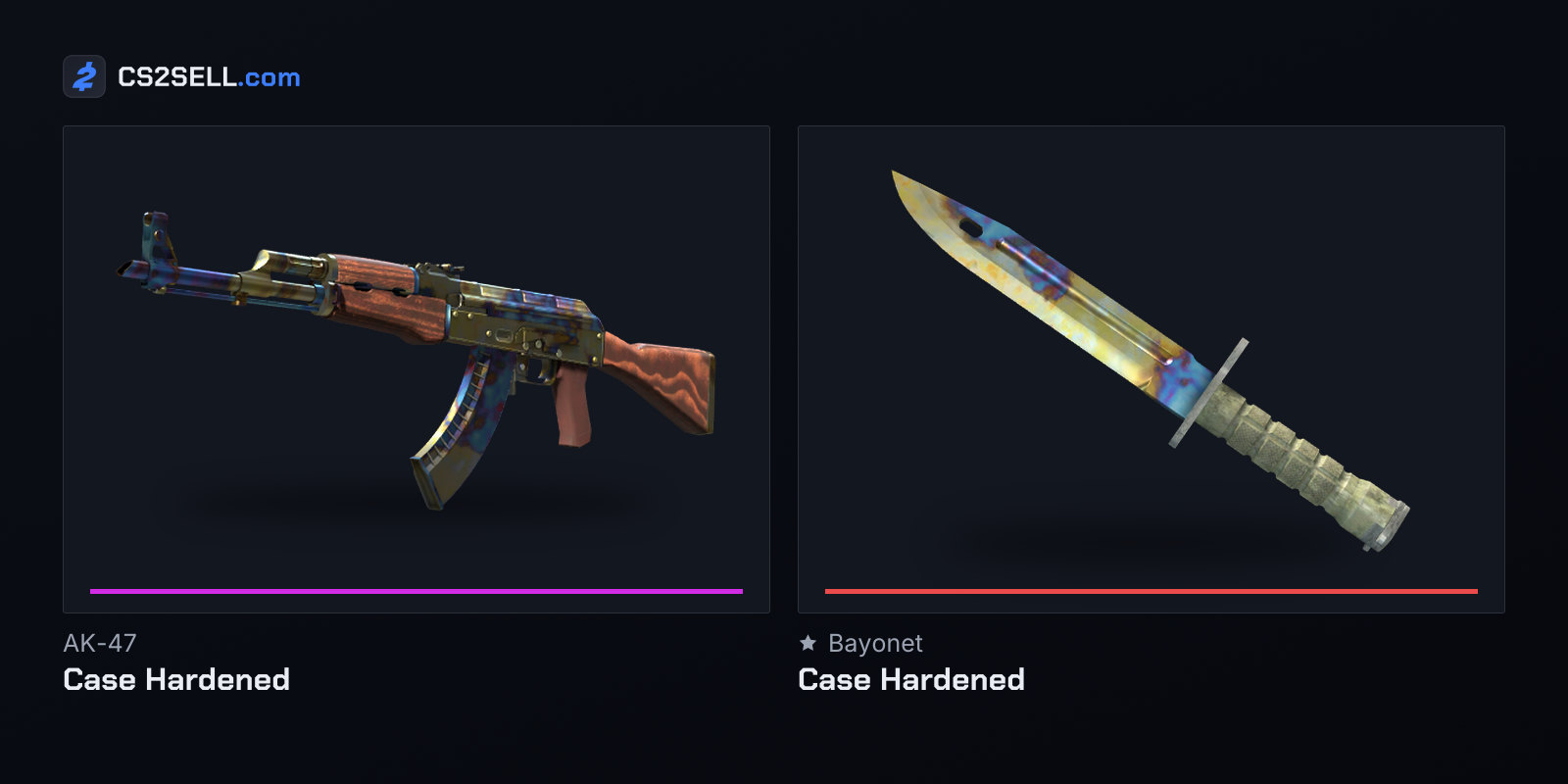
The numbers come from Valve's item file, items_game.txt. In it, the AK-47 is item 7, the Case Hardened finish is paint kit 44 and the Redline is paint kit 282. So gen 7 44 661 0.15, with the exclamation mark in front, asks for an AK-47 | Case Hardened with pattern seed 661 at a float of 0.15, the same values an inspect library uses in its own example. Our paint seed guide explains what the seed changes.
A gen code is only a set of numbers, so nothing in it stops you from typing a float the real finish can't have. The AK-47 | Redline exists only between 0.10 and 0.70 in Valve's item file, for example. Check a finish's range before trusting a preview of a particular float.
Inspect servers vs real CS2 inspects
A real inspect link is a different thing. The "Inspect in Game" button on a Steam inventory or Market listing opens your own copy of CS2 and shows that item in the inspect screen, with no server involved. Our CS2 inspect guide covers that screen in full.
Since March 2026, the links Steam hands out carry the item's data inside them: a long encoded string after csgo_econ_action_preview that decodes to the item's definition index, paint index, seed and float, according to developers on a Steam tooling forum. That change has a side effect. Open-source libraries can now build a link from any combination of values, and one library's documentation warns that the decoded data shouldn't be treated as proof of item ownership or authenticity.
| Gen code on an inspect server | Inspect link | |
|---|---|---|
| Where it runs | Chat on a community server | Your own CS2 client |
| What it shows | Whatever numbers you type | The data inside the link |
| Proves an item exists | No | Only if it came from Steam's own page |
| Adds an item to an inventory | No | No |
The practical rule: a link someone sends you is a picture of an item. Before you pay for a skin, open it yourself from the seller's Steam inventory or listing, and check that the item in the trade offer matches.
Valve's community server rules on items
Valve set the rules in July 2015 for CS:GO. Its server operation guidelines ask operators to remove mods that falsify a player's inventory, including anything that lets players "claim temporary ownership" of skins or knives they don't own. Valve's answers to operators made it stricter: custom knives count, the rule applies even when only the holder can see the item, and providing skins that don't exist isn't acceptable either. Letting players use what they own in a new way is fine, such as dropping your own knife on a trading server so someone else can inspect it.
Enforcement followed in January 2016, when Valve permanently disabled the Game Server Login Tokens (GSLTs, the tokens community servers log in to Steam with) of operators breaking the rule, and barred their accounts from creating new ones. A February 2016 post from Valve on its csgo_servers mailing list added that the bans extend to accounts sharing the operator's phone number and bring an in-game cooldown. The same post said "we do not ban players for playing on servers that violate the guidelines". That was said about CS:GO, and Valve hasn't restated it for CS2.
The rules still shape CS2 servers. The plugin framework CounterStrikeSharp has a FollowCS2ServerGuidelines setting that blocks plugin functions known to get an owner's GSLTs banned on a CS2 server. Its documentation warns that the setting doesn't guarantee a server can't be banned.
Official ways to preview a skin
You don't need a server for most previews. Inspect in Game works on any listing or public inventory. Since Valve's October 2, 2024 update, stickers, patches and charms on the Steam Market, in the Armory or in friends' Steam inventories can also be previewed on your own items, which is the official way to test a craft before buying the stickers. Our guide to sticker crafts covers what to look for.
Sources
- Game Server Operation Guidelines — Counter-Strike blog
- GSLT bans and temporary cooldowns, Valve on the csgo_servers list — Mail Archive
- Core Configuration — CounterStrikeSharp
- New CS2 inspect links — McKay Development forum
- Inspect links — cs2-inspect-lib documentation
- cs2-masked-inspect-csharp README — GitHub
- items_game.txt, CS2 item definitions — GameTracking-CS2 on GitHub
- Release Notes for 10/2/2024 — Counter-Strike 2