Steam account value can mean three different numbers: what you have spent on the account, what your games and items would cost at today's prices, and what a stranger might pay for the login. Steam records the first itself, outside tools estimate the second, and Valve's agreement forbids the third. Here is where to find each figure and what it does and doesn't tell you.
How much is my Steam account worth? Three different answers
Ask how much your Steam account is worth and the answer depends on which of these you mean:
| Number | Where it comes from | What it tells you |
|---|---|---|
| Money spent | Your purchase history and Steam's External Funds Used page | What actually went into the account |
| Estimated value | Third-party estimators using current prices | What the library would cost to buy today |
| Resale price | Nothing official | Selling an account breaks the Steam Subscriber Agreement |
The first is a record. The second is an estimate that moves with every sale and price change. The third has no place inside Valve's rules, as the sections below explain.
Steam purchase history: where to find it
Your Steam purchase history sits under your account name in the Steam store: open Account details, then View purchase history. Signed in on the web, the page is store.steampowered.com/account/history. As MakeUseOf described it in 2021, the list covers games, apps and subscriptions bought in the store plus items bought and sold on the Community Market, with the date, payment method and amount of each. A refund gets its own line, and the original purchase is struck through.
Games bought in other shops and activated with a product key aren't Steam store purchases, so they appear on another page: Account details, then View licenses and product key activations. Valve's Market FAQ adds that your Community Market history is reachable from the top of the Market home page and from Account details, and that Steam emails a receipt for each Market transaction. Our guide to Steam trade, inventory and Market history explains what those item records show.
External Funds Used: Steam's own spending total
Steam also keeps a running total. In the client, open Help, then Steam Support, My Account, Data Related to Your Steam Account, and finally External Funds Used. Steam asks you to sign in again before it shows the figures. How-To Geek gives the direct address as help.steampowered.com/en/accountdata/AccountSpend.
The page splits the money into a few lines, as PCWorld listed them in April 2025:
| Line | What it counts |
|---|---|
| TotalSpend | Everything spent on the account, in US dollars |
| OldSpend | Spending before April 17, 2015 |
| PWSpend | Spending through Perfect World, which runs CS:GO and Dota 2 in China, if the account was linked |
| ChinaSpend | Money spent on Steam China, shown in yuan |
April 17, 2015 is the day Steam's limited user account restrictions took effect, How-To Geek notes. Those restrictions lift once an account has spent at least $5.00 USD in the Steam store, and Valve's FAQ on them spells out how it counts spending:
- Each purchase is converted to US dollars at the daily exchange rate on the day you made it.
- Money refunded to your bank, or taken back through a chargeback, is subtracted.
- Activating a retail game, receiving a gift and spending money earned from Market sales don't count.
Our guide to limited Steam accounts covers the $5 rule and everything it blocks.
What outside estimates count
Third-party estimators work differently. As How-To Geek put it in 2020, they value an account by what the games on it currently sell for. A game you bought cheaply in a sale is counted at today's price, so the estimate can sit far above or below what you actually paid.
They also can only count what they can see. Since an April 2018 update, Steam's "game details" privacy setting controls who can view the list of games you have bought or wishlisted, along with achievements and playtime. Variety reported at the time that the update hid libraries by default, so an estimate of a private profile has little to work with.
Why that number isn't a sale price
The Steam Subscriber Agreement, last updated on September 10, 2026, says your account, including its history and subscriptions, "is strictly personal." You may not sell it, charge others for the right to use it, or otherwise transfer it. The same agreement says the games and other content on Steam are licensed, not sold, and that the license gives you no title or ownership. Our article on selling or buying a Steam account explains why a bought account can be reclaimed by its original owner.
Money doesn't come back out either. The agreement says Steam Wallet funds have no cash value and can't be exchanged for cash. The details are in Steam Wallet funds explained.
CS2 items: the part that can change hands
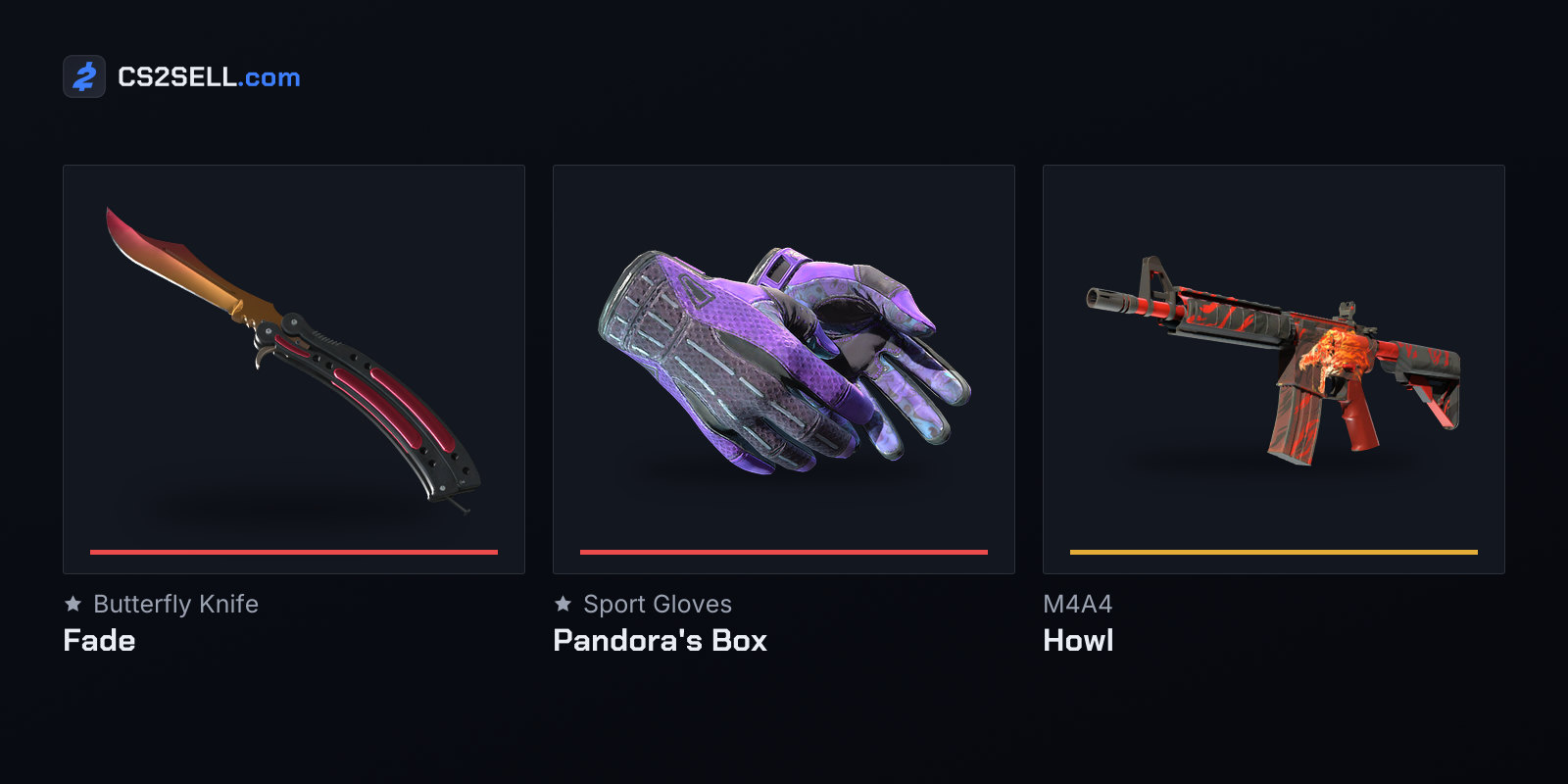
For CS2 players, much of what feels valuable sits in the inventory, and that part has official routes between accounts. The Subscriber Agreement names the Steam Community Market and Steam Trading as examples of its "Subscription Marketplaces." Items acquired there are license rights, not property you own, and Valve doesn't recognise transfers made outside Steam.
Market sales and purchases run through the Steam Wallet. Valve's Market FAQ says those funds can't be withdrawn, or transferred to another Steam account or to a bank, and its limited-account FAQ lists the Market among the features a limited account can't use. Third-party marketplaces are the other option; on CS2Sell, Sell lets you sign in with Steam and sell items from your CS2 inventory.
Keep the receipts
Purchase records have one practical use beyond curiosity: they prove the account is yours. Steam Support's proof-of-ownership page says ownership is established with payment details previously used on the account, such as the card type, the name on the card, the billing address and the last four digits, or with retail product codes activated on it. Knowing which payment methods you used, and keeping your receipt emails, makes a recovery request much easier to back up.
Sources
- Limited User Accounts — Steam Support
- Steam Subscriber Agreement — Valve
- Community Market FAQ — Steam Support
- Providing Proof of Ownership — Steam Support
- Steam has a hidden tool that shows how much you've spent over the years — PCWorld
- How to See How Much Money You've Spent on Steam Games — How-To Geek
- How to View Your Steam Purchase History — MakeUseOf
- Steam Privacy Update Hides Gaming Libraries — Variety