CS2 audio settings sit on one tab, Settings > Audio, split into four sections: Audio, Voice, Music and Game Mode EQ. Valve explains most options in its own tooltips, and since September 2026 each game mode keeps its own music volumes. This guide goes through the tab with Valve's descriptions, notes where settings guides disagree, and lists the console variables.
How CS2 places sounds
CS2 positions 3D sounds with Valve's Steam Audio, which handles panning and an HRTF (head-related transfer function). According to Steam Audio's documentation, HRTF rendering models a sound's direction relative to you, giving an impression of its height and of whether it is in front or behind.
The tooltip at the top of the tab points out that this processing is built in, says CS2 "is best enjoyed with stereo headphones", and recommends "disabling any external audio enhancements or virtual surround sound". ProSettings agrees, so check your headset software for surround modes.
EQ Profile and Game Mode EQ
EQ Profile changes the overall coloration of the sound, which Valve says can help offset coloration from your hardware and software:
- Natural (default) adds none.
- Crisp boosts mid and high frequencies. It can help you locate sounds and reduce muffling, but may sound harsh.
- Smooth lowers mid to high frequencies, which can help reduce harshness, volume spikes and ear fatigue. Valve calls it ideal for studio-grade headphones and loud listening.
Valve adds: "Give yourself time to acclimate to a new EQ profile." The guides lean towards Crisp. Dexerto says it makes higher-frequency sounds louder, which can help you hear dropped weapons, footsteps and gunfire; Hotspawn lists Crisp or Natural, and ProSettings suggests Natural if Crisp is too harsh.
Game Mode EQ, the tab's last section, overrides the profile for Competitive, Casual, Deathmatch and Arms Race, while Default keeps your main choice. Valve suggests it for easing ear fatigue in busy modes such as Arms Race and Deathmatch. ProSettings prefers one EQ everywhere, for consistency.
L/R Isolation and Perspective Correction
L/R Isolation runs from 0%, the default Valve calls Physically Accurate, to 100%, Isolated L/R, where a sound directly beside you plays in one ear with minimal blending into the other. Valve says 100% gives "a strong sense of left vs right" but "can be positionally misleading at certain angles", and offers it to players who prefer legacy panning.
Perspective Correction is Yes or No. With Yes, sounds are rendered to match your field of view on the screen: a sound at the edge of your view seems slightly in front of you, and off-screen sounds directly beside you pan fully. With No, edge-of-view sounds pan strongly left or right, which Valve calls ideal if you sit very close to the screen, use wearable screens or prefer older sound engines.
The guides split. Dexerto sees "no consensus" on L/R Isolation and suggests starting near 50%, since 100% removes the middle and can make front and back less clear, while 0% is less informative. Hotspawn also uses 50%, with Perspective Correction on. Dexerto and ProSettings say turning it off sounds more like CS:GO; ProSettings pairs that with 100% isolation, or 0% if you're used to CS2's blended sound. Give any change a few sessions.
Voice settings, muting and the clutch key
Other Player Voice Volume stops at 100% in the menu, but its console variable, snd_voipvolume, goes up to 2, double the default. You can also pick a microphone, test it with Hear My Own Voice, and set a Microphone Trigger Threshold against a live level meter; per the tooltip, voice is only sent above that level while Push To Talk is active. Streamlined Push To Talk opens the mic at game start, avoiding a hitch the first time you push to talk.
Three more tools sit elsewhere. On the scoreboard, enable the cursor with the key it shows, then click a player to get a voice volume control for them. On the Keyboard / Mouse tab, Temporarily Disable Incoming Chat (clutch_mode_toggle), Valve's "Clutch Key", silences voice chat until the round ends. The Game tab adds Mute Enemy Team and Mute All But Friends, which lets through only friends and your matchmaking party, always or only in non-competitive modes.
Music volumes, set per game mode since September 2026
Valve's September 22, 2026 update let players "adjust music volume per game-mode"; our article on that update covers the rest of it. Master Music Volume scales everything below it. Music Volumes For then picks Competitive, Casual, Arms Race, Deathmatch or Rush, and the eight sliders under it apply to that mode only. A button copies your Competitive set to all other modes.
| Slider | When it plays |
|---|---|
| Main Menu | Main menu, loading screen, match found, team select and intro, end of match, kit previews |
| Round Start | During buy time |
| Round Action | When you move after the round starts |
| Round End | When your team wins or loses |
| MVP | For the round's MVP |
| Bomb/Hostage | After a bomb plant or hostage pickup |
| Ten Second Warning | Last ten seconds of the bomb countdown or round, or a hostage carrier nearing rescue |
| Death Camera | When you die |
Dexerto and Hotspawn both see gameplay value in Ten Second Warning. Since October 2023 the bomb's beeping has had a distinct sound for its final ten seconds, so Dexerto and ProSettings call the music cue less necessary, suggesting 10–30% and 0–20%; Hotspawn uses 40%. Hotspawn and ProSettings set Round Start and Round Action to 0%, and ProSettings mutes Death Camera because it "can muffle important sounds".
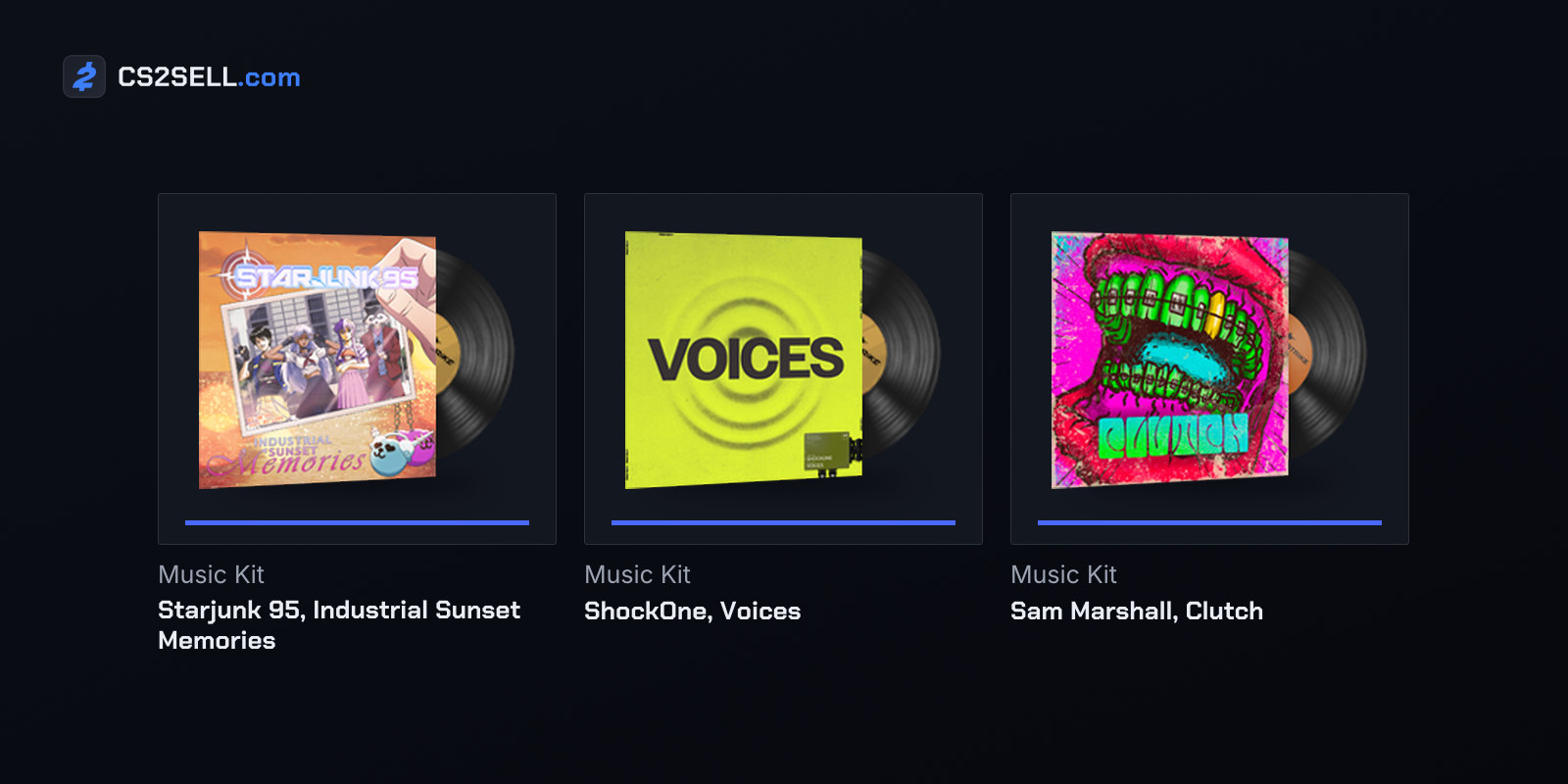
ProSettings turns on Mute MVP Music when players on both teams are alive; Hotspawn leaves it off because MVP music only plays after the round ends. Your music kit decides what these cues sound like, and our music kits guide explains what a kit replaces.
Console variables and CS:GO leftovers
| Menu option | Console variable | Values |
|---|---|---|
| EQ Profile | snd_headphone_eq | 0 Natural, 1 Crisp, 2 Smooth |
| L/R Isolation | snd_spatialize_lerp | 0–1 |
| Perspective Correction | snd_steamaudio_enable_perspective_correction | 1 Yes, 0 No |
| Play Audio When Game In Background | snd_mute_losefocus | 0 Yes, 1 No (default) |
| Microphone Trigger Threshold | voice_threshold | Decibels, default -120 |
Music sliders are named after their cue, such as snd_roundstart_volume. That name holds the Competitive value, and the other modes add _casual, _armsrace, _deathmatch or _rush. Our console commands guide explains opening the console and using an autoexec.
Check old CS:GO configs before reusing them. At launch Valve "removed several legacy audio convars that existed in CS:GO but never had an effect in CS2", and the October 28, 2026 build has no dsp_enhance_stereo, snd_legacy_surround, snd_pitchquality, windows_speaker_config or voice_scale. CS:GO's headphone commands, such as snd_headphone_pan_exponent, are listed only as development-only, like snd_setmixer, which Valve's May 2025 notes call removed.
To start clean, the Audio tab's Reset button restores the default audio settings after a confirmation. Our video settings guide covers the Video tab the same way.
Sources
- csgo_english.txt, CS2's settings labels and tooltips — GameTracking-CS2 on GitHub
- CS2 console variable dump (convars.txt) — GameTracking-CS2 on GitHub
- CS2 console command dump (commands.txt) — GameTracking-CS2 on GitHub
- Steam Audio SDK overview — Steam Audio documentation (Valve)
- Counter-Strike 2 Update (September 22, 2026) — Counter-Strike 2 news
- Best CS2 settings for max FPS & competitive advantages — Dexerto
- Best CS2 Audio Settings: Optimized Sound Guide (2026) — Hotspawn
- CS2 Best Settings & Options Guide — ProSettings.net