If your Steam account is hacked, getting the account back is almost always possible. Getting the items back usually isn't: Valve's policy is that Steam Support doesn't restore items that have left an account. The one real exception is CS2's trade protection, which only works if you act within seven days.
The first ten minutes after your Steam account is hacked
The warning signs are usually emails. Steam notifies the address on your account when the password or email is changed and when a Steam Guard code is requested. Other signs are friends receiving messages you didn't send, missing items, or trades you don't recognise in your history.
Each of those security emails contains a link to lock the account. Valve's self-locking tool restricts the account's major actions:
- purchasing and gifting;
- trading and CD key activation;
- Steam Community access;
- playing on VAC-secured servers, which Valve calls VAC ban protection.
Valve says you'll still get an email with a lock link even if the hijacker has already changed the account's address. Write down the unlock code it gives you. You can't lock an account from the Steam client or anywhere else; only the link in those emails works.
If you can still sign in, work through Valve's steps for a compromised account: check Authorized Devices and use Sign out everywhere, change your password, secure your email account and scan your computer for malware, including browser extensions. Our account security checklist covers each step.
How to recover a stolen Steam account
Start at help.steampowered.com and try self-recovery. If that fails, Valve says Steam Support "will verify the account is yours and recover it for you," and that you can always contact Support even if someone changed the account's email, password and phone number. When the recovery form asks for an email address, enter yours, not the one the hijacker set.
Support needs proof that you own the account, plus any login names and email addresses you have used on it. Proof of ownership means payment details or product codes linked to the account:
| What you used | What Steam Support asks for |
|---|---|
| Credit card | Card type, name on the card, billing address, city and postcode, and the last four digits only |
| PayPal | Full name and billing address on the PayPal account, plus a screenshot of a Steam purchase with its invoice ID |
| Retail CD key or Steam Wallet code | A photo of the key or code with your ticket number written below it in permanent ink |
| Digital activation code | A screenshot of the page or email where you received it, with the code visible |
Never send a full card number. Steam Support doesn't contact people through Steam Chat or Discord, and Valve tells you to ignore any message claiming to be from Support unless it comes from help.steampowered.com. Never pay anyone who says they can get your account back.
What Valve restores and what it doesn't
Valve's item restoration policy opens with a blunt sentence: "Steam Support does not restore items that have left accounts for any reason, including trades, market transactions, deletions, or gifting." Its reasoning is that items often change hands several times before a request arrives, so restoring them would mean duplicating them or taking them from someone innocent, and duplication lowers every other copy's value.
Valve has tried the other way. In a 2015 post explaining trade holds, it said it used to leave stolen items with whoever ended up holding them and create duplicates for the victim, knowing that this "devalues all the other equivalent items in the economy." With around 77,000 accounts being hijacked every month, it introduced trade holds that year to make stolen items harder to move, and its current policy no longer restores items at all.
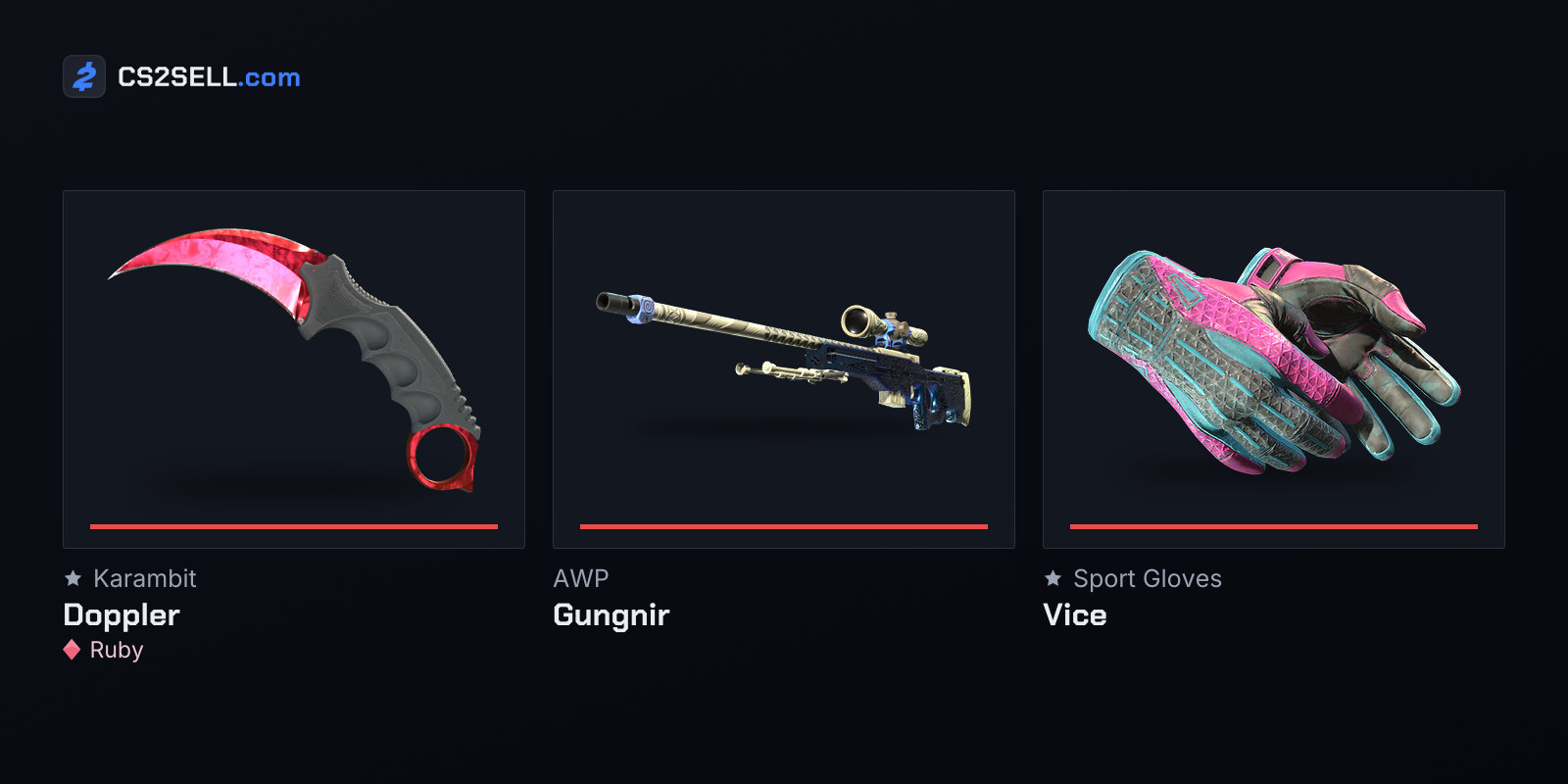
CS2 trade protection is the exception. Every CS2 item received in a trade stays protected for seven days, and during that week the original owner can reverse it. Valve's FAQ says to make sure you control the account first, contacting Steam Support if you don't, and then open your Trade History. Reversing undoes every protected trade from the last seven days at once, not just the bad ones, and the account that reverses them loses trading and Market access for 30 days. Our guide to trade protection explains the trade-offs.
| What happened while you were locked out | Can it be undone? |
|---|---|
| CS2 items traded away in the last 7 days | Yes, by reversing from Trade History |
| CS2 trades older than 7 days | No |
| Items sold on the Community Market | No; Valve says Market purchases are final |
| Items from games without trade protection traded away | No; CS2 is currently the only game with it |
| A VAC or game ban earned by the hijacker | No; bans stay whoever was using the account |
| The account itself | Yes, through Steam Support with proof of ownership |
The ban row is the hardest to accept. Valve's VAC and CS2 game ban pages both say bans remain "regardless of who was using the account" when they were issued.
Locking it down afterwards
Once you're back in, close every door the hijacker might have used or left open:
- Password and email. Set a new password used nowhere else, and give your email account its own password and two-factor authentication.
- Steam Guard. Make sure the Mobile Authenticator is on your phone, not someone else's, and save the recovery code somewhere safe.
- Devices. Use Sign out everywhere so stolen sessions stop working.
- API key. Check
steamcommunity.com/dev/apikeyand revoke any key you didn't create; our article on the API key scam explains why it matters. - Trade URL. Generate a new one so old copies stop working.
- Malware. Valve warns that Steam-targeting malware can pose as cheats, pirated software, fake demos or inventory managers, and that some waits until the wallet has funds before acting.
Expect some waiting. A forgotten-password reset blocks trading and the Market for five days, or 30 if the account had been inactive for more than two months, and removing the authenticator costs 15 days. Our guide to trade bans, holds and restrictions lists the rest.
How accounts are being taken in 2026
Fake sign-in pages remain a common route. In June 2026 Malwarebytes described a campaign using fake "verification" pages for a popular CS2 competitive platform. The pages opened a convincing Steam login window drawn inside the page itself, so its address bar could show steamcommunity.com while sending your details to the attackers, along with any Steam Guard code you typed. Some victims were then talked into "protecting" their items by sending them to another account, which belonged to the scammers.
Valve's rule is simple: official Steam sign-ins only happen on www.steampowered.com, store.steampowered.com, steamcommunity.com and help.steampowered.com. If a login window appears inside another website, close the page and sign in through the Steam app instead. Our guide to spotting phishing sites shows what to look for.
Sources
- Recovering a Stolen or Hijacked Steam Account — Steam Support
- Providing Proof of Ownership — Steam Support
- Self Locking Tool — Steam Support
- Steam Item Restoration Policy — Steam Support
- Trade Protected Items — Steam Support
- Security and Trading — Steam News
- CS2 - I've been game banned — Steam Support
- Fake verification pages are stealing Steam accounts from players — Malwarebytes