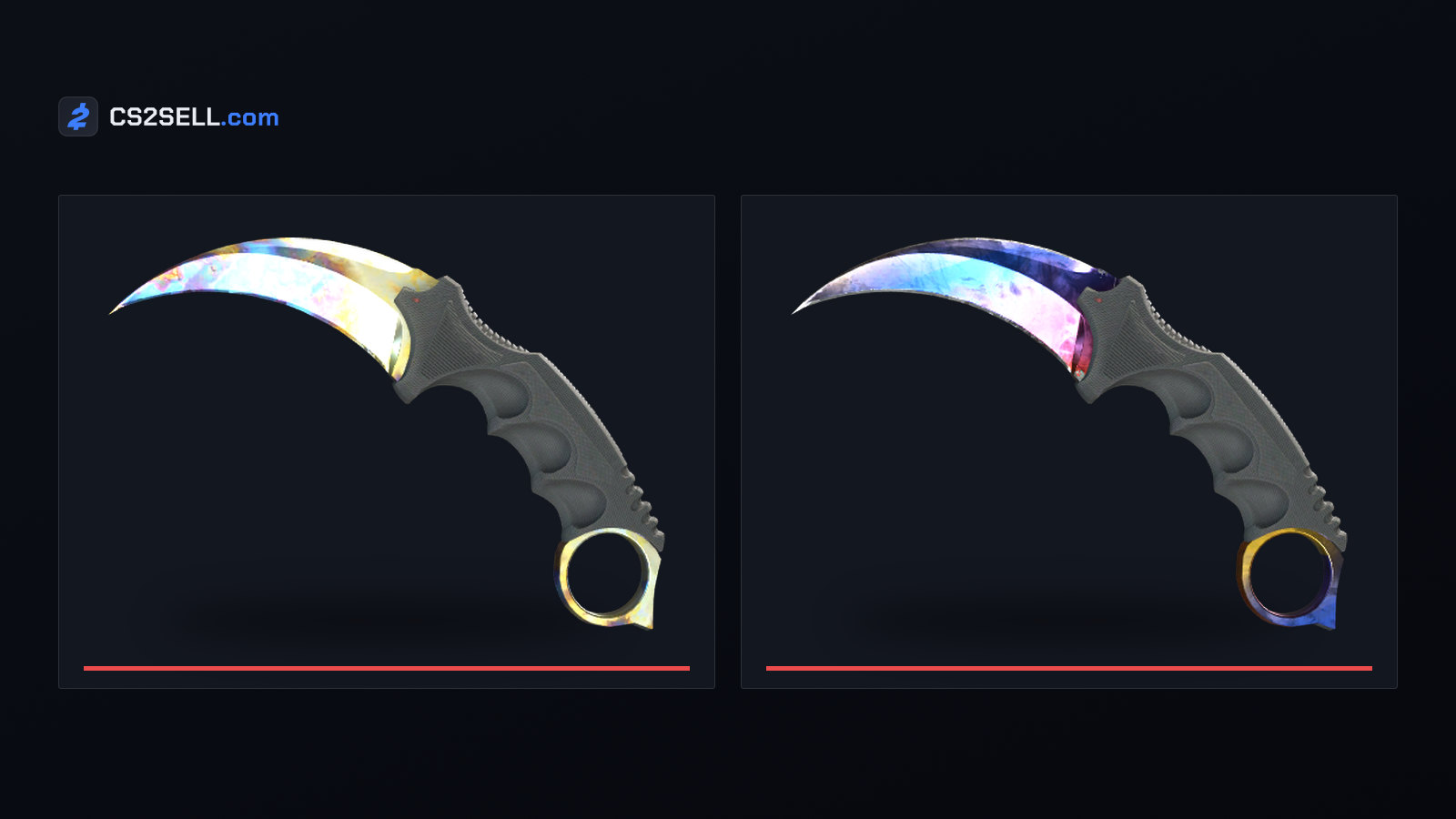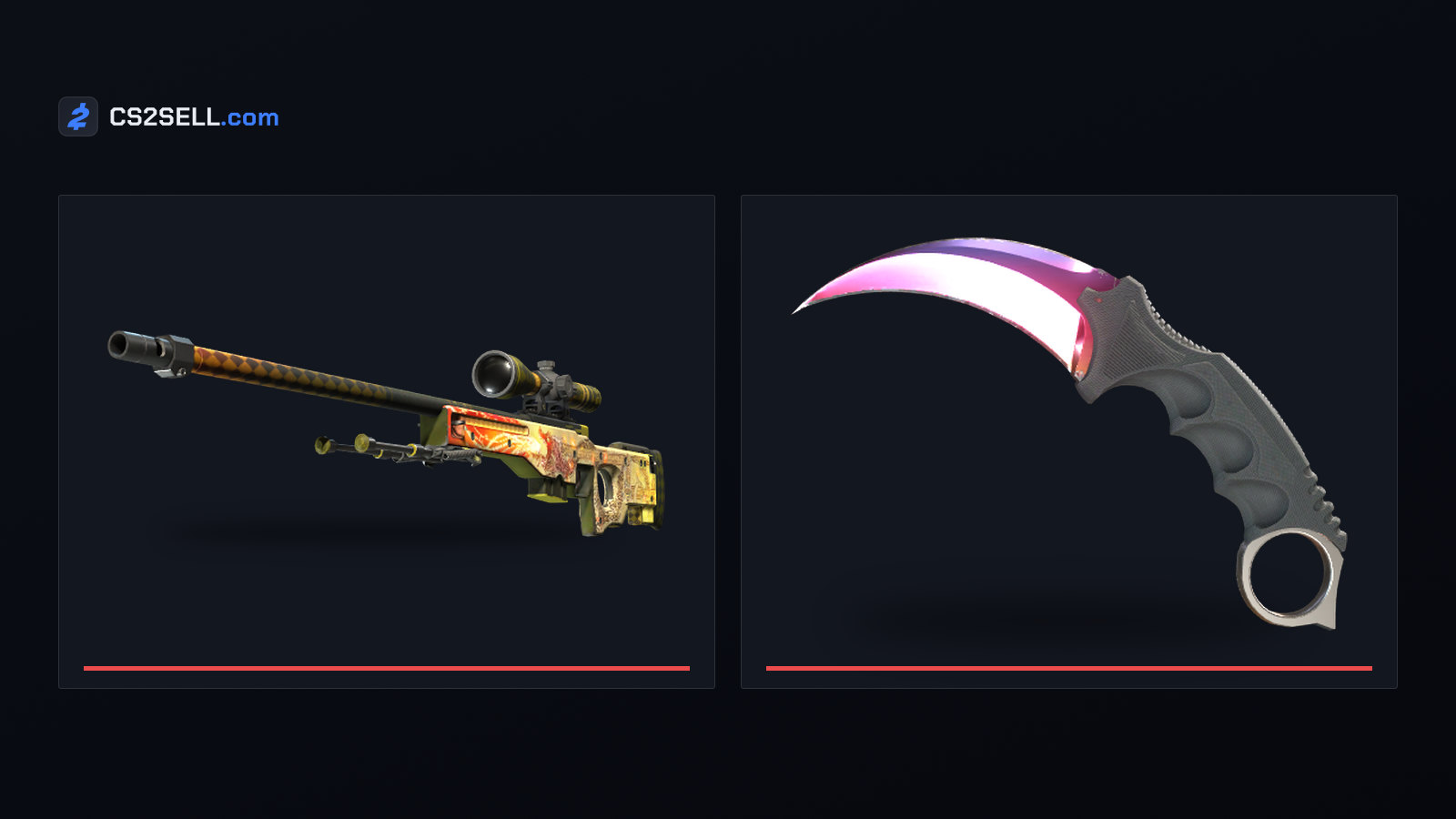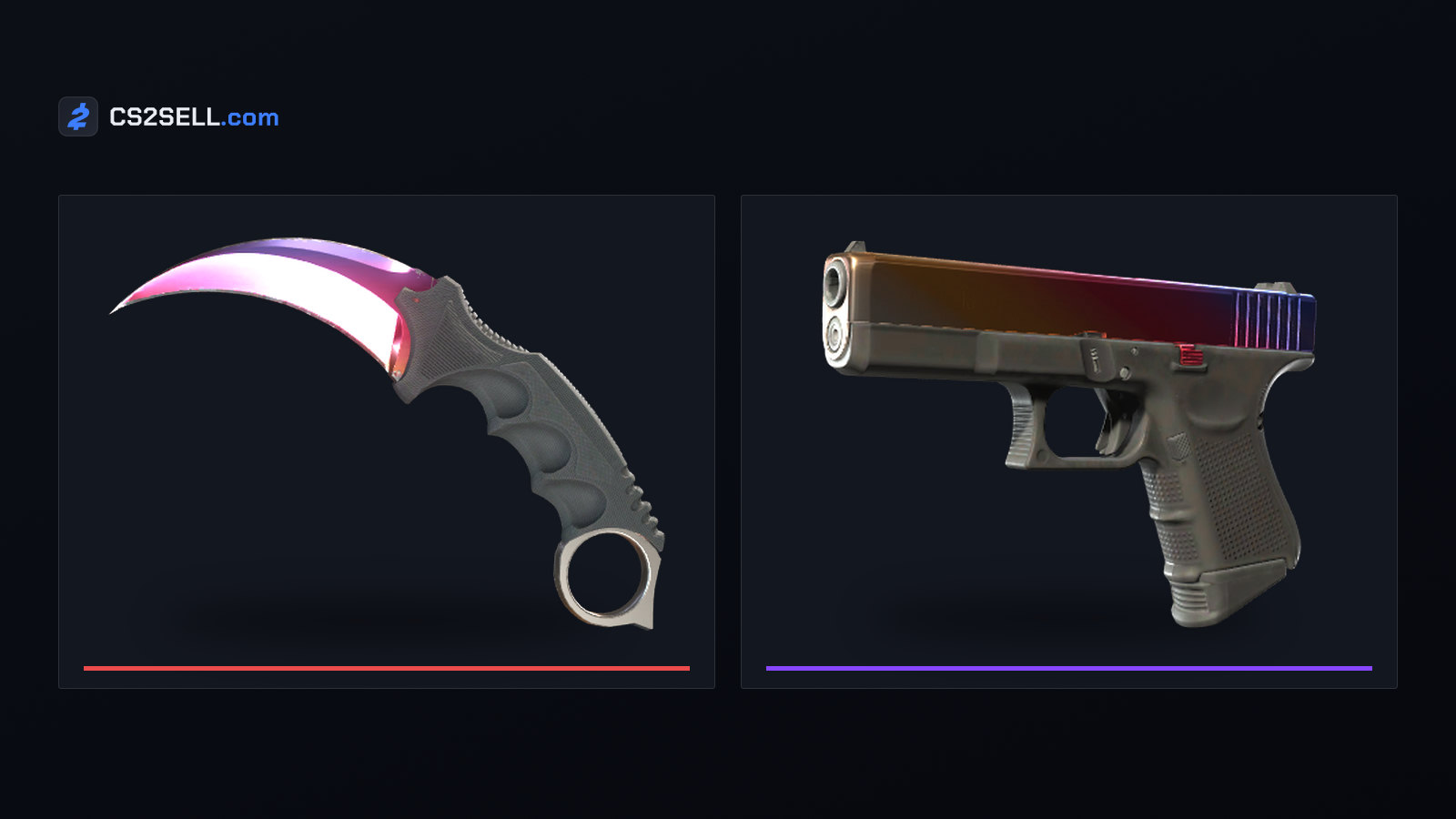
Fade is one of the most recognisable finishes in Counter-Strike: a smooth gradient that runs from purple through pink to yellow. Every copy uses the same gradient, but the paint seed rotates it, so some copies show more of the colour than others, and fade percentage is the community's way of putting that difference into a single number.
What the Fade finish is
The in-game description says a Fade "has been painted by airbrushing transparent paints that fade together over a chrome base coat". That matches what Valve's Workshop guide calls the anodized airbrushed style: a candy coat applied freehand over a chrome base, which wears down to the chrome before the bare metal shows.
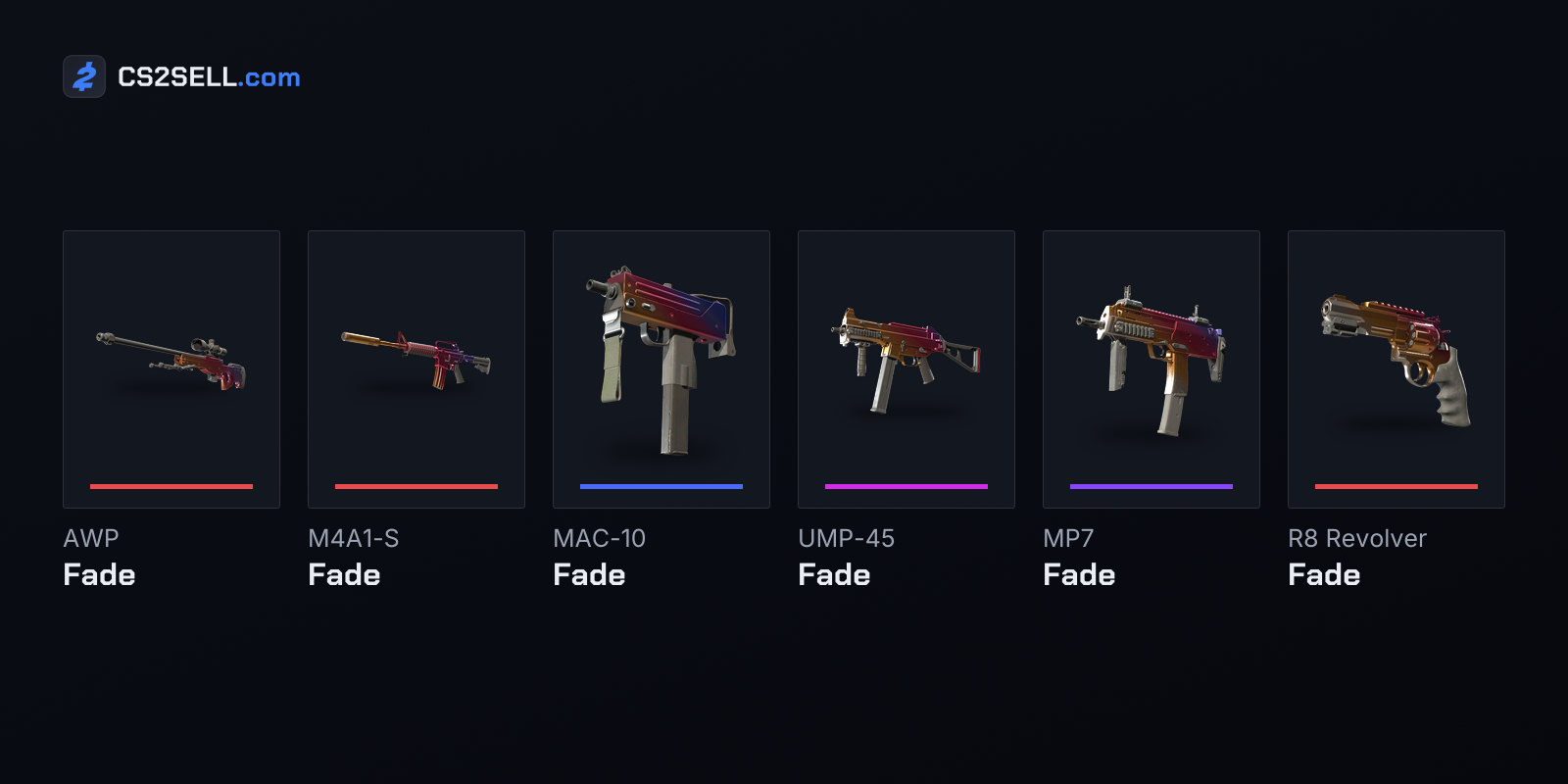
According to the game's item definitions, the finish exists on all twenty knife models and on seven guns:
| Gun | Collection | Float range |
|---|---|---|
| Glock-18 Fade | Assault Collection | 0.00–0.08 |
| MAC-10 Fade | Chop Shop Collection | 0.00–0.08 |
| R8 Revolver Fade | Revolver Case Collection | 0.00–0.40 |
| MP7 Fade | 2018 Inferno Collection | 0.00–0.25 |
| UMP-45 Fade | 2021 Dust 2 Collection | 0.00–0.08 |
| AWP Fade | Control Collection | 0.00–0.08 |
| M4A1-S Fade | Sport & Field Collection | 0.00–0.08 |
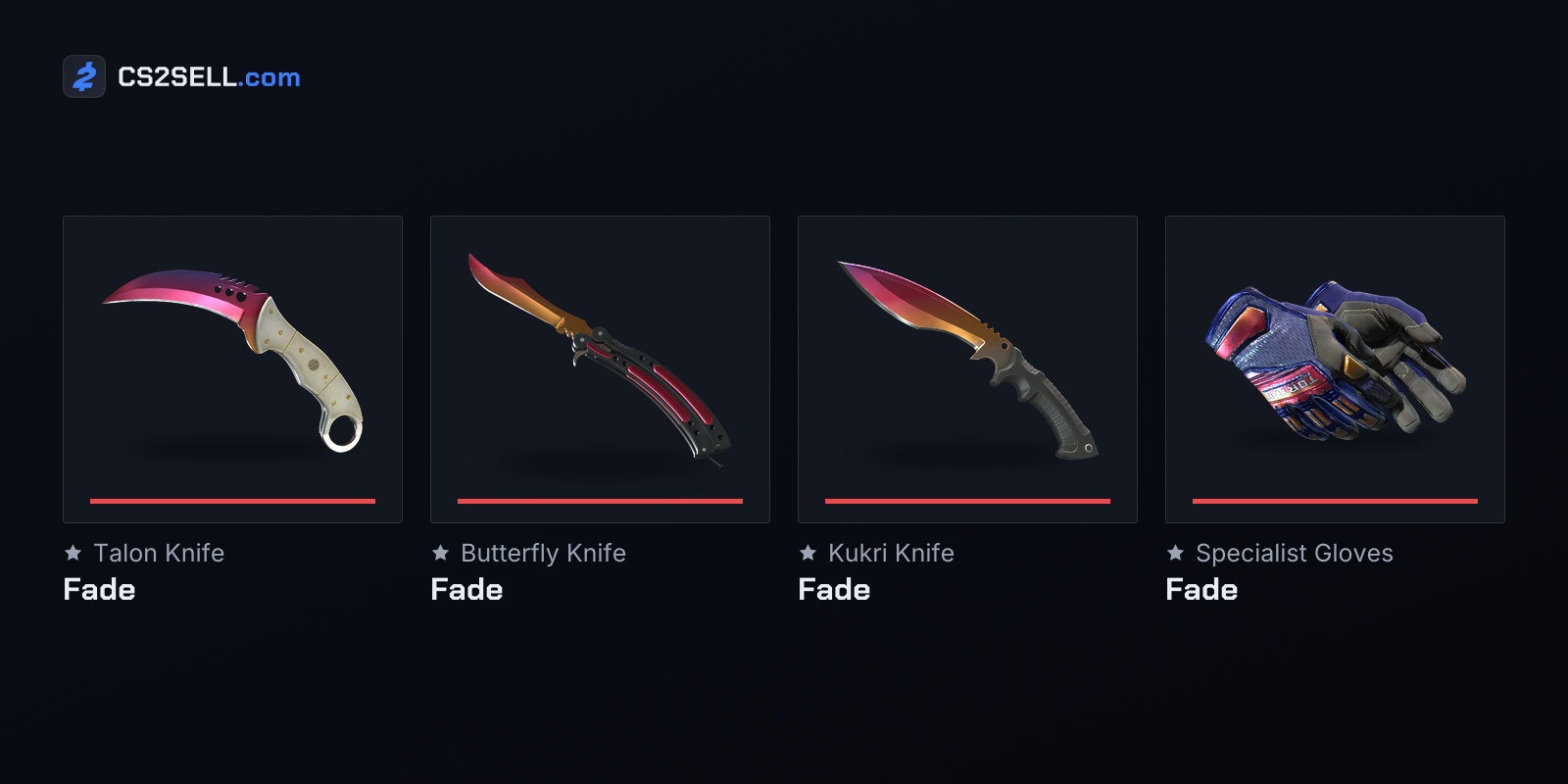
Knife Fades are capped at 0.00 to 0.08, so they only come in Factory New and Minimal Wear. The Specialist Gloves also have a Fade finish. Amber Fade and Acid Fade are related finishes with fade scales of their own, and Marble Fade is a different finish altogether, despite the shared word. The M4A1-S version, the only Covert in the Sport & Field Collection, has its own guide covering its float, best seeds and Souvenir copies.
What fade percentage means and where it comes from
Fade percentage is not shown anywhere in the game. The documentation of an open-source fade calculator puts it bluntly: fade percentages "don't really exist in CS2 itself", they are a community-driven value.
The calculation is simpler than it sounds. The paint seed sets an offset and a rotation for the texture, using an algorithm Valve has open-sourced. On most Fade skins the offset is the same for every seed, so only the rotation changes. The calculator works out the rotation for each seed and maps the best one to 100% and the worst to 80%. Everything else falls in between.
That has a few consequences worth knowing:
- The scale runs from 80 to 100, not 0 to 100. An 80% Fade is the weakest layout, not a skin with a fifth of its colour missing.
- It is relative to each weapon. Each model has its own best seed, so the same seed number can score very differently on two items.
- Float doesn't change it. Wear can scratch the paint, but the fade percentage comes only from the seed.
- Gloves are left out. The calculator's authors note that glove patterns shift less predictably, more like Case Hardened, so the method doesn't work for them.
Older figures came from analysing screenshots, which is less consistent. The calculator's README notes that sites still using image analysis can give the same seed a different percentage.
Why different lists disagree
Even sources that agree on the method can present it differently. Hotspawn's Karambit Fade guide lists two dozen seeds in its 100% bracket. The open-source calculator gives exactly 100% to one Karambit seed, 412, and scores the others in that bracket between about 99.5% and 99.9%. The two broadly agree on which knives are best. The guide groups seeds into whole-number brackets, while the calculator scores every seed individually.
The Karambit also gets a second description, because collectors often talk about its colour split. Hotspawn describes the top Karambit Fades as roughly 90% pink and 10% yellow with no purple, the 98% and 99% seeds as adding a sliver of purple, and the 80s as mostly purple with little or no yellow.
When a listing quotes a fade percentage, ask which scale it uses, and check the seed yourself.
How much it matters
Fade percentage matters most where the skin is expensive and the colour difference is easy to see. On a Karambit, the gap between a mostly purple 80s layout and a pink-and-yellow top seed is obvious at a glance, and Hotspawn notes that prices generally climb with the percentage.
A few practical points:
- Don't pay for the label alone. Hotspawn points out that 98% and 99% Karambits look so close to the 100% seeds that most people will never notice, yet they still sell at high prices. Decide whether you are paying for the look or for the number.
- Inspect the actual item. Lighting, angle and wear all affect how a gradient reads, so look at the copy you are buying rather than a reference render.
- Remember the wear window. Knife Fades and most gun Fades top out at 0.08, so float differences are narrow. The MP7 and R8 versions have wider ranges and can carry noticeably more wear.
How to check fade percentage before you trade
Inspect the item in CS2 and open the information panel; the Pattern Template is the seed. Look that seed up in a fade calculator for the exact weapon or knife model, and compare it with what the listing claims. Inspect links carry the seed too, which is how third-party tools display a percentage automatically.
On CS2Sell, the fade percentage filter on Buy lets you set a minimum fade and see only the listings above it. The pattern index guide covers how seeds work on other finishes.