If you're looking up how to change your Steam account name, Steam Support's answer is short: you can't. The account name you sign in with is permanent, even for Steam's own support staff. What most people want to change, though, is the name other players see, and that one takes a few clicks.
Steam's names, and which ones you can change
A Steam account has several names and identifiers, and they're easy to mix up:
| Name | What it's for | Who sees it | Can you change it? |
|---|---|---|---|
| Account name | Signing in | Shown to you on the Account Details page | No |
| Profile name | Your public name in games, chat, forums and reviews | Everyone | Yes, at any time |
| Custom URL | An optional address, steamcommunity.com/id/… | Anyone with the link | Yes, in Edit Profile |
| SteamID | The account's permanent 17-digit number | Anyone who looks it up | No |
Steam Support calls the public one your player name or profile name, and lists the places it shows up: multiplayer games, chat rooms, leaderboards, discussion forums, and your reviews and published content. The SteamID is covered in our guide on how to find Steam IDs.
Can you change your Steam account name?
No. Steam Support states that the SteamID and the Steam account name can't be changed, even by Steam Support staff members.
The only way to get a different account name is a new account, and that means starting over. Steam Support says accounts can't be merged, and that games and CD keys can't be moved between accounts, which the Steam Subscriber Agreement backs up: your account is strictly personal and can't be transferred. Tradable CS2 items are the exception, since they can be sent to a second account of yours by an ordinary trade offer, under the same rules as any other trade. Our guide to moving CS2 items between your own accounts covers what can move and what can't.
Keep the account name to yourself either way. The Subscriber Agreement makes you responsible for the confidentiality of your login and password, and Valve isn't responsible for what happens if you disclose them. Unlike your profile name, nobody needs to know it to add you, trade with you or find your profile.
How to change your Steam profile name
The profile name is the one you can change, as often as you like:
- Open your Steam profile.
- Click Edit Profile.
- Type a new profile name and save.
If the Steam app won't let you edit, Steam Support suggests checking that you're signed in to the right account, that Steam isn't in offline mode, and that you're signed in to Friends & Chat. Failing that, edit it in a browser at steamcommunity.com/my/edit/info.
A few rules apply. Profile names must follow Steam's Community Guidelines, and you can't make them private: Valve says the avatar and profile name represent you throughout Steam, so they can't be hidden. If Steam Support removes a name, you can't change it again for a while, and the period is shown on your profile. How long depends on whether you've had content removed before.
Your old names stay visible
Changing your name doesn't erase the old one. Steam keeps the previous 10 names used on your profile, and anyone viewing a public profile can see them by clicking the arrow next to the current name, How-To Geek notes. To clear your own list, open your profile, click that drop-down arrow and choose Clear previous aliases.
That only clears Steam's copy. Steam Support warns that because names and avatars are public, other sites may scrape them and keep a permanent record.
The same freedom works for scammers. Anyone can set the same profile name and avatar as your friend or a known trader, so a name is never proof of who you're dealing with; our guide to checking a Steam profile before a trade explains what to compare instead.
Changing your Steam custom URL
The custom URL is the part after /id/ in your profile address, and it lives in the Custom URL box in Edit Profile. You can set one, change it or delete it. Steam Support even uses deleting it as a trick: clear the box and the address shown below it switches to your SteamID64.
Whatever custom URL you pick, the address that uses your SteamID64, steamcommunity.com/profiles/ followed by the 17 digits, still opens your profile and forwards visitors to the custom address. For anything long-lived, such as a link in a trading profile or a forum signature, that numeric link is the one that won't change.
Forgot your Steam account name?
That's a recovery question rather than a change. Steam Support's "I forgot my Steam Account name or password" page asks for the email address or phone number on the account, and has a separate option for people who know their account name but not their password. The Account Details page in the Steam app shows your account name at the top once you're signed in.
Your email address, phone number, payment details and country are separate again. Steam Support's account help groups them under Manage Account Details, apart from the account name.
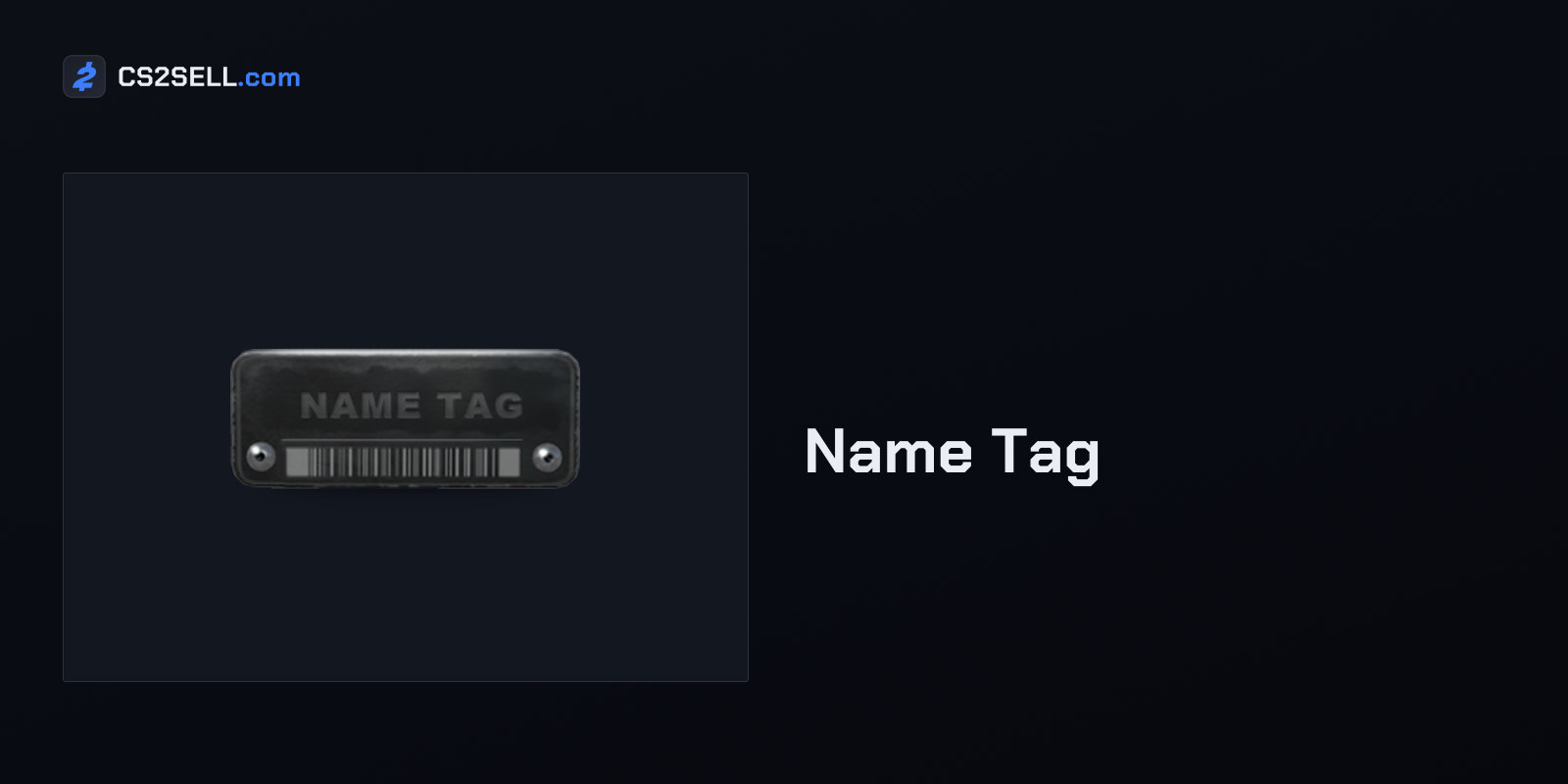
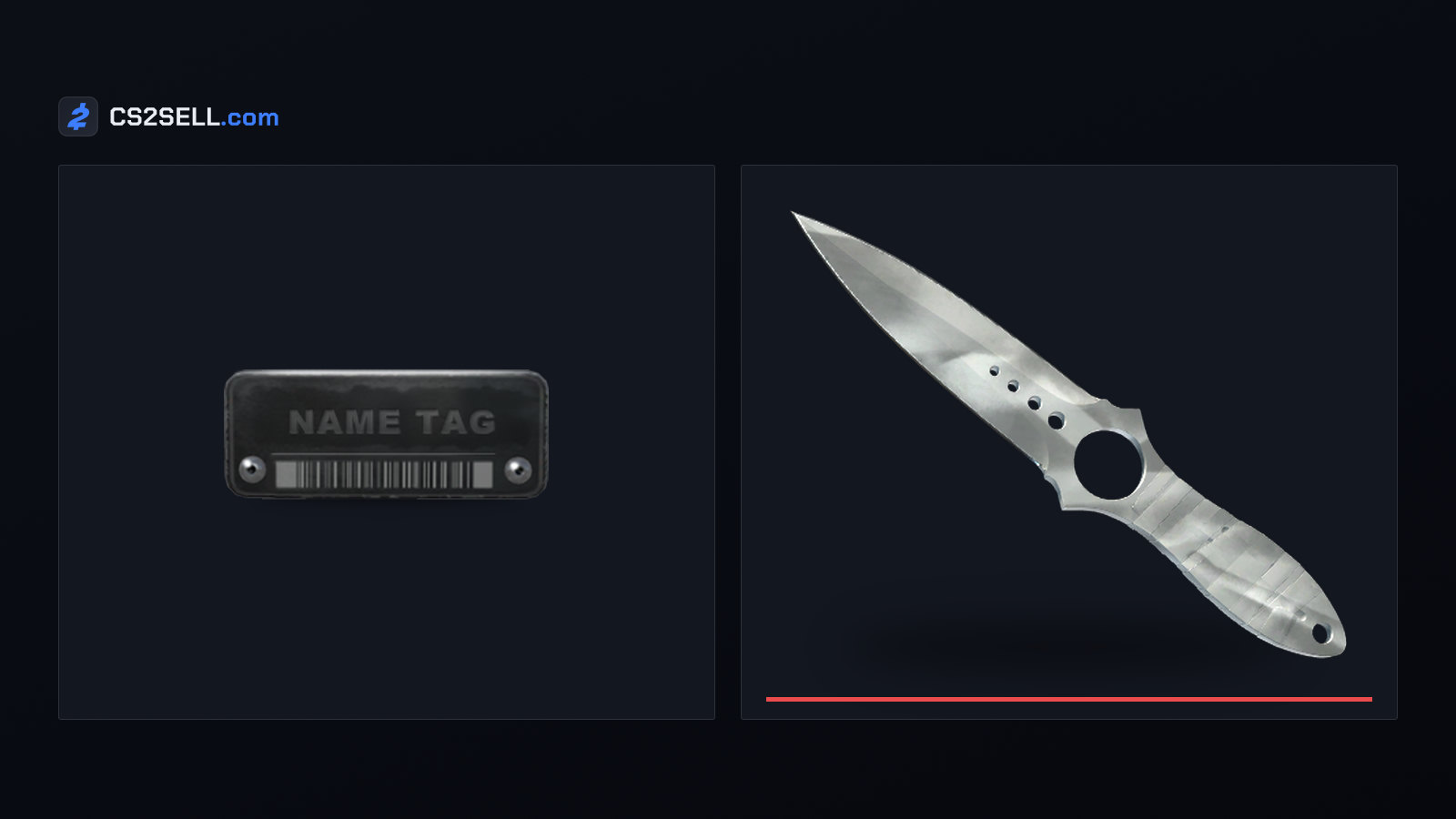
One CS2 detail causes confusion: a Name Tag. Its in-game description says it "will rename a weapon", engraving a custom nameplate on it. It has nothing to do with your account or profile names; our article on Name Tags and Storage Units explains how they work.
Sources
- SteamID, Steam Account Names, Merging Accounts and Deleting Accounts — Steam Support
- Community Avatars & Profile Names — Steam Support
- I forgot my Steam Account name or password — Steam Support
- Account Issues — Steam Support
- Steam Subscriber Agreement — Steam
- How to View and Clear Previous Aliases in Steam — How-To Geek
- Find Steam/Epic Games account information — Santa Monica Studio support
- CS2 English game strings — SteamTracking