Steam lets you request a refund for nearly any purchase, but what CS2 players buy for the game comes with tighter limits. Prime is marked as not eligible for a refund, Community Market purchases are final, and items bought inside the game qualify only for 48 hours and only if they haven't been used, modified or transferred. This guide goes through each CS2 purchase, the request process, and why a chargeback is the wrong route.
The Steam refund policy
Valve's refund policy, last updated on April 23, 2024, accepts requests for any reason but sets different windows for different kinds of purchase. The familiar version, 14 days from purchase and under two hours of playtime, is for games and software. CS2 itself is free to play, so its players mostly deal with the other clauses.
| Purchase type | Window | Condition |
|---|---|---|
| Games and software | 14 days | Under two hours of playtime |
| In-game items in Valve games, CS2 included | 48 hours | Not consumed, modified or transferred |
| Steam Wallet funds | 14 days | Bought on Steam, none of the funds used |
| Purchases made outside Steam | None from Valve | CD keys and wallet cards from third parties |
Valve says it will still take a look at requests that fall outside these rules, and that it may stop offering refunds to anyone it believes is abusing them. The policy also notes that consumers in some jurisdictions may have extra rights when a game is faulty.
Which CS2 purchases can be refunded
| Purchase | What Valve says | In practice |
|---|---|---|
| Prime Status Upgrade | Not eligible for refund | Treat it as final |
| Case keys bought in-game | 48 hours, key unused | Ask before you open a case |
| Armory Pass | Refundable if not yet activated | Activation ends the option |
| Cologne 2026 Major Shop | Stickers final, tokens refundable before activation | Price drops could return tokens |
| Community Market purchase | All purchases final | No refund or reversal |
| Items received in a trade | Not a purchase | Only trade protection can undo it |
Prime. The store page for the Prime Status Upgrade, the paid upgrade for CS2 accounts, states that the product is not eligible for refund. Check what it changes in the Prime Status guide before you buy.
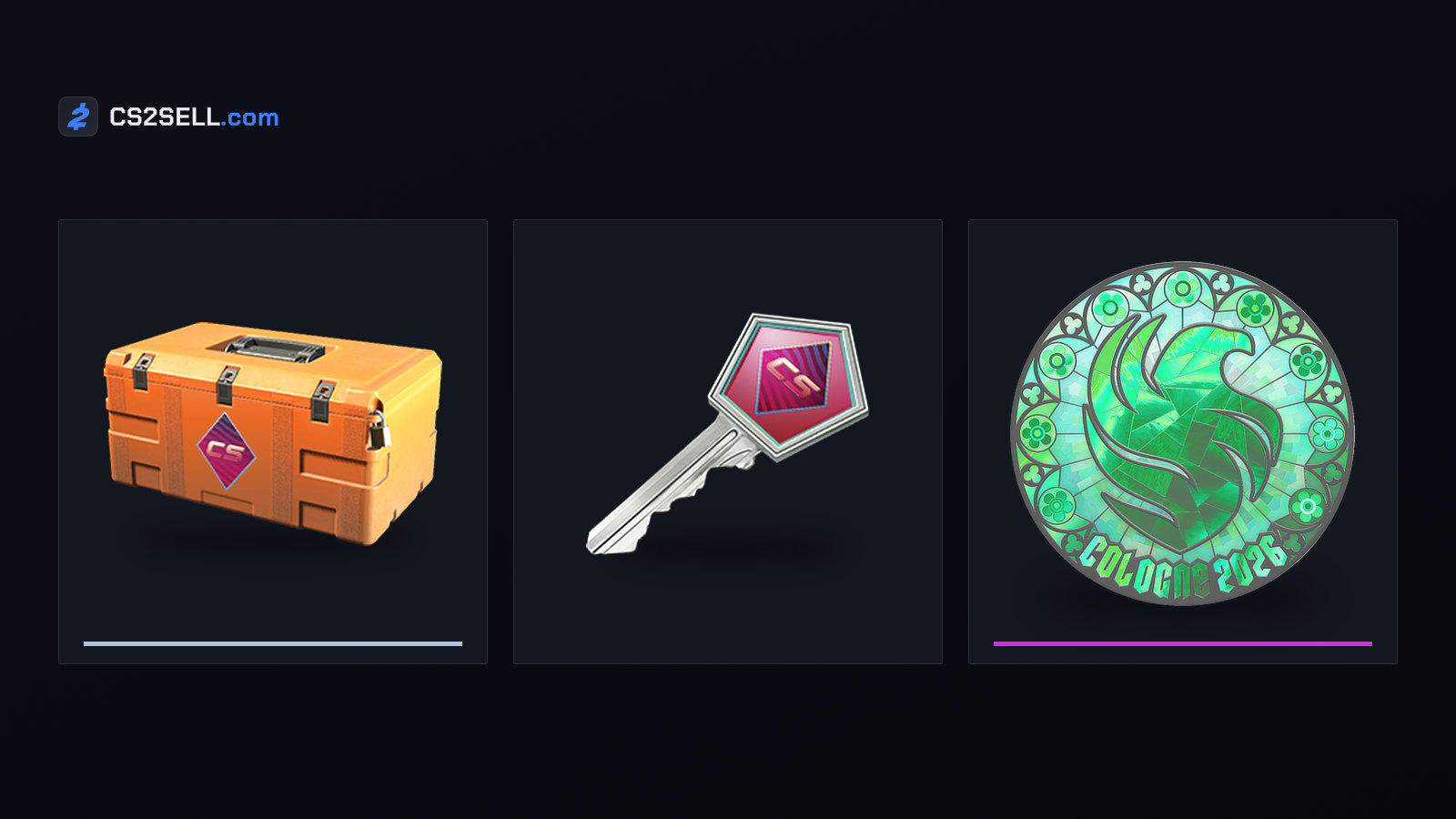
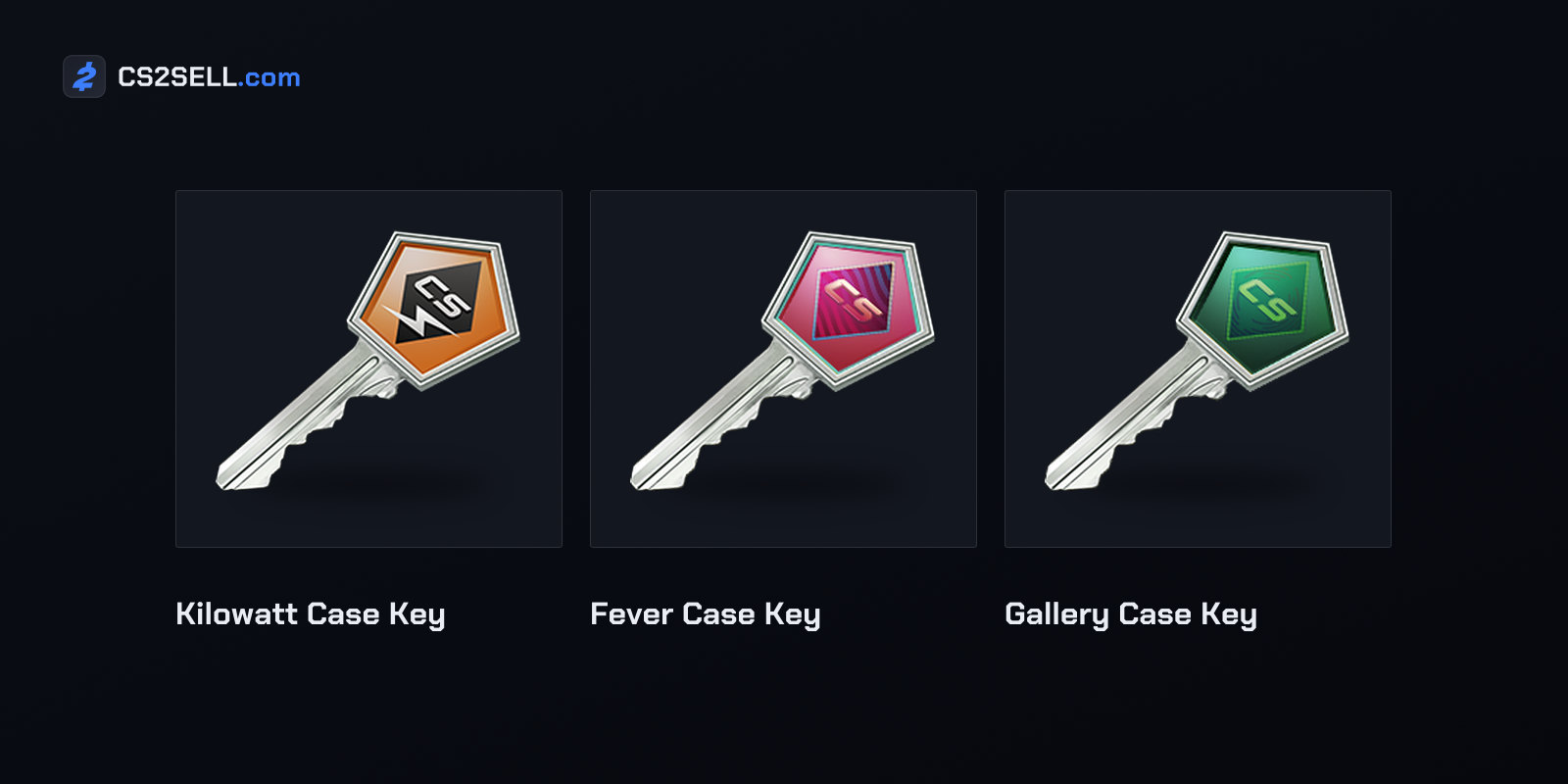
Keys. A key bought in CS2 counts as an in-game purchase in a Valve game, so the 48-hour window applies while the key is unused. Once it has opened a case, it is gone from your inventory. Keys bought in-game have also been locked to the buying account since October 2019, when Valve stopped them being traded or sold on the Market, so you can't pass an unwanted one on either.
Armory Passes. Once activated, an Armory Pass earns credits for Armory items as you earn XP on official Valve servers. Valve's Armory FAQ allows a refund on a purchased pass as long as it hasn't been activated, and rules one out afterwards. Passes can't be gifted, traded or sold on the Market either, so a refund before activation is the only way to get money back for one. The Armory guide explains how passes and credits work.
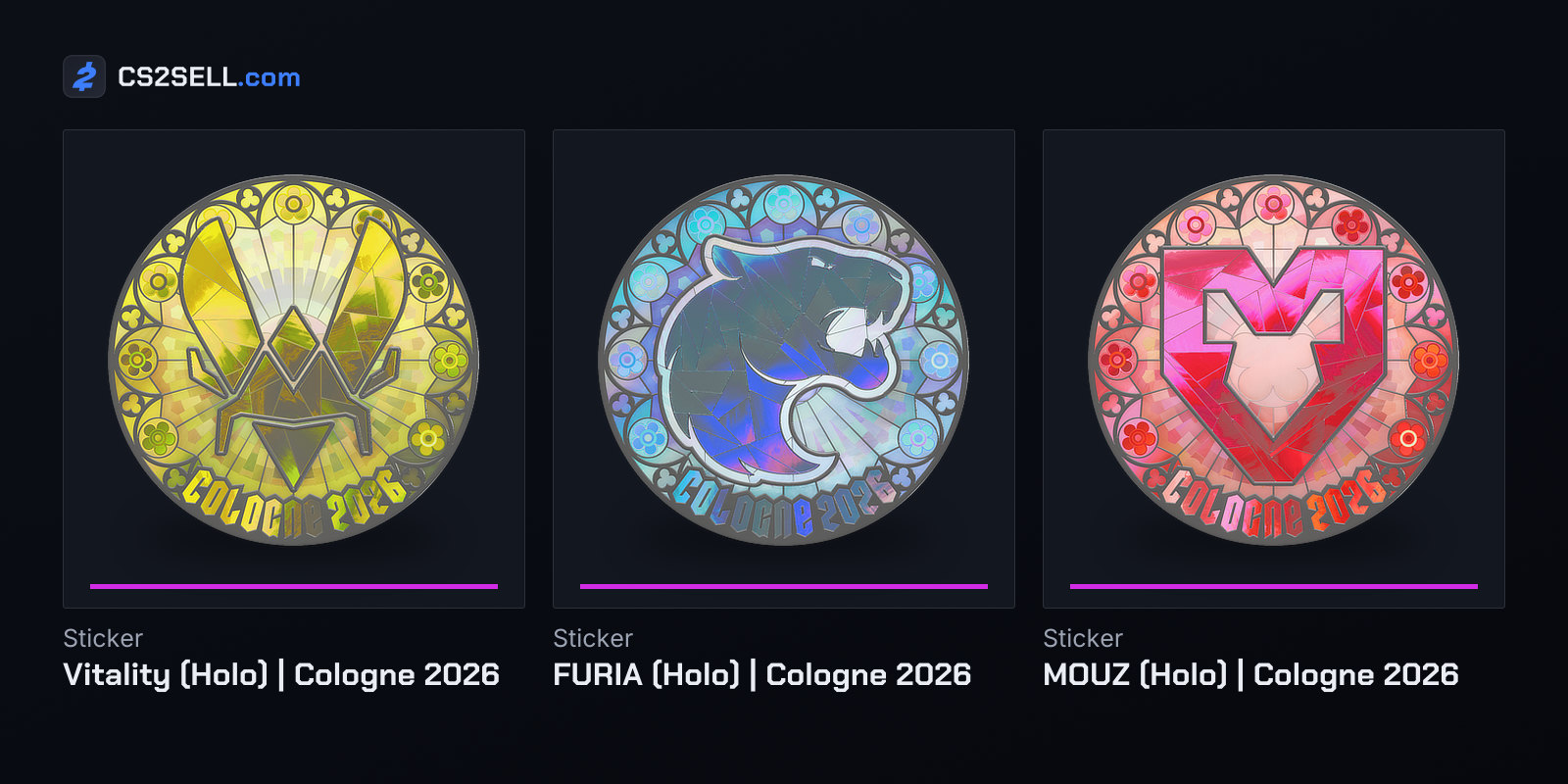
Major Shop tokens. For the IEM Cologne 2026 Major, Valve sold stickers through a shop instead of capsules: you bought tokens, activated them and redeemed them for stickers. The FAQ in Valve's announcement said sticker purchases were final. Tokens could be refunded if you cancelled before activating them; activated tokens couldn't be refunded but stayed in your balance for something else. Valve added one automatic refund: if a redeemed sticker's price fell by 25 tokens or more within 24 hours, the difference came back as tokens a week later.
Wallet funds and the Market. Funds you add on Steam can be refunded within 14 days, but only if none of them have been spent. Spend them on the Community Market and its own rule takes over: all purchases are final, with no right to a refund or reversal once a transaction completes.
Trades: a reversal is not a refund
A trade isn't a purchase, so the refund policy doesn't cover it. CS2 has trade protection instead: items received in a trade are protected for seven days, and during that time the trade can be reversed from the Trade History page. Valve built it for people who lose control of their account.
Reversing undoes every protected trade from the last seven days and bars the account that started it from trading and the Market for 30 days, a restriction Steam Support says it can't lift. The trade protection guide covers the details.
Once the seven days are up, there is no other undo. Steam Support's item restoration policy says it doesn't restore items that leave an account through trades, Market transactions, deletion or gifting.
How to request a Steam refund
Requests go through Steam Support's website:
- Sign in at help.steampowered.com and choose Purchases.
- Click the purchase. If it isn't listed, Valve says it is too far outside the refund window to qualify.
- Pick the problem you're having, then "I'd like to request a refund".
- Fill in the form and choose where the money goes: your Steam Wallet or the original payment method.
You get an email when the request is submitted and another once it has been processed. Valve says approved refunds are issued within a week. If Steam can't refund to your original payment method, it credits your Steam Wallet instead.
Chargebacks: the costly way to get money back
A chargeback is your bank reversing a payment and returning the money to you, a tool Valve says is commonly used in cases of fraud or unauthorised use of a payment method. It isn't a refund. Steam restricts the accounts and purchases tied to it, and the quickest fix is for the payment method's owner to get the bank to reverse the dispute. Once the money is back with Steam, the restriction lifts and the disputed content is restored.
Most banks only allow a reversal for a limited time, and Valve says one can take up to 60 days to finalise. If more than 60 days pass and the account is still restricted, Valve asks you to send Steam Support an official letter from your bank with the reversal date, the amounts and the bank's ARN for the reversed funds.
Traders feel the side effects too. A charged-back purchase resets the Community Market's requirement of a purchase more than seven days old, so only purchases made after the most recent chargeback count. A bank refund or chargeback is also subtracted from your account's total purchase value, and if that drops below US$5, the account falls back under the restrictions in the limited accounts guide.
If you spot a Steam charge you don't recognise, compare it with your purchase history, which Steam lists under Account Details. If it still isn't yours, Valve's advice is to contact Steam Support.
Sources
- Steam Refunds — Steam
- How To Request A Refund — Steam Support
- Prime Status Upgrade — Steam
- CS2 - Armory Passes and Credits — Steam Support
- IEM Cologne 2026 — Counter-Strike 2 news
- Community Market FAQ — Steam Support
- Trade Protected Items — Steam Support
- Payment Disputes and Chargebacks — Steam Support