A CS2 inventory value is an estimate: a price for each item, multiplied by the number of copies you hold and added up. Two tools can give the same inventory quite different totals, because they use different prices and don't always see the same items. Here is how the number is put together, what it leaves out and how to work it out yourself.
How CS2 inventory value is estimated
Everything starts from your item list. A checker reads your Steam inventory, so the inventory has to be visible to it, which in practice means public. Our guide to Steam privacy settings shows where to change it.
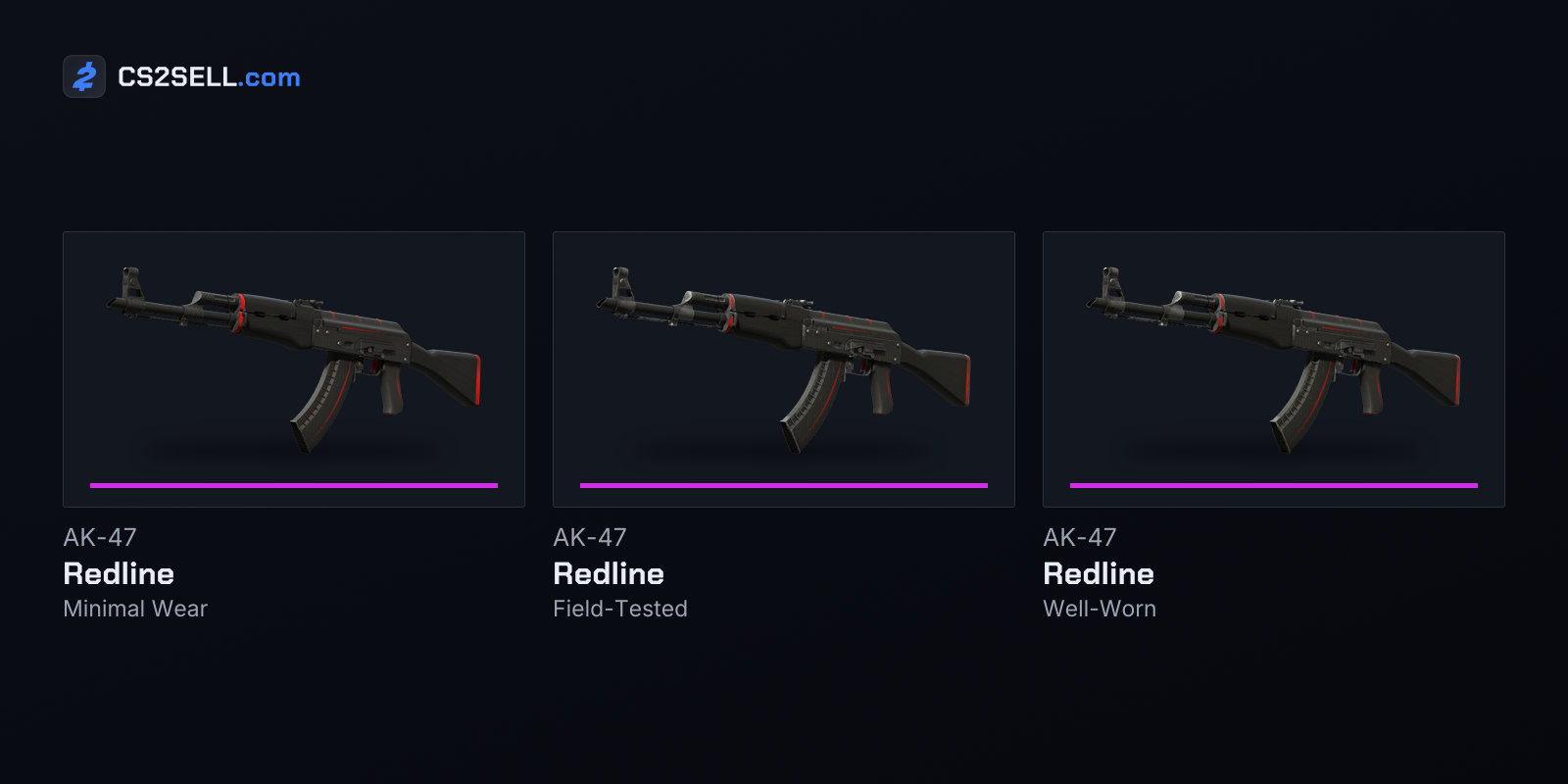
Each item is then matched to its market name: weapon, finish and wear, such as AK-47 | Redline (Field-Tested). On the Steam Community Market each wear has its own listings and price history; since May 2026 an item page groups the wears under tabs that filter both. A checker looks up a price for each name, multiplies it by the number of copies and adds the lines together.
That method has a built-in limit. Because the price belongs to the name, every Field-Tested copy of a finish gets the same number, whatever its float, pattern or stickers.
Why Steam inventory value estimates differ
The biggest difference is which price a tool picks. One item page offers several, and each answers a different question.
| Price used | What it measures | Keep in mind |
|---|---|---|
| Lowest listing | The cheapest copy for sale right now | What a seller is asking, not what anyone paid |
| Median sale | The middle of recent completed sales | Only as current as the last sales |
| Highest buy order | The best standing offer from a buyer | About what selling at once brings |
| Third-party price | One marketplace's own listings or sales | Depends on that site's fees and buyers |
On Steam, a standing buy order always sits below the cheapest listing. Valve's Market FAQ says a buy order completes as soon as an item is available at or under its price, so one that is still waiting has found nothing that cheap. A total built from buy orders therefore comes out lower than one built from lowest listings, before anything else changes.
Fees and money type matter too. Valve lists a 5% Steam Transaction Fee, which the buyer pays, and a 10% Counter-Strike 2 fee on Market sales, so a seller receives less than the buyer pays; our guide to Steam Market fees works through the numbers. Market proceeds also stay in your Steam Wallet: Valve says they can't be withdrawn to a bank or a third party. A Steam total and a cash total for the same items measure different things.
Currency adds a smaller gap. Steam shows Market prices in your wallet's currency and converts listings made in other currencies at an exchange rate it updates daily. A checker that totals in a different currency converts again, at a rate of its own.
What a CS2 inventory value checker can't see
Some items never reach the calculation, and others are counted when they arguably shouldn't be.
- Recent arrivals. Since Valve's April 2, 2024 update, Counter-Strike items you buy or receive in a trade aren't visible to other users who view your Steam inventory for 10 days. A tool reading your public inventory from outside can miss them.
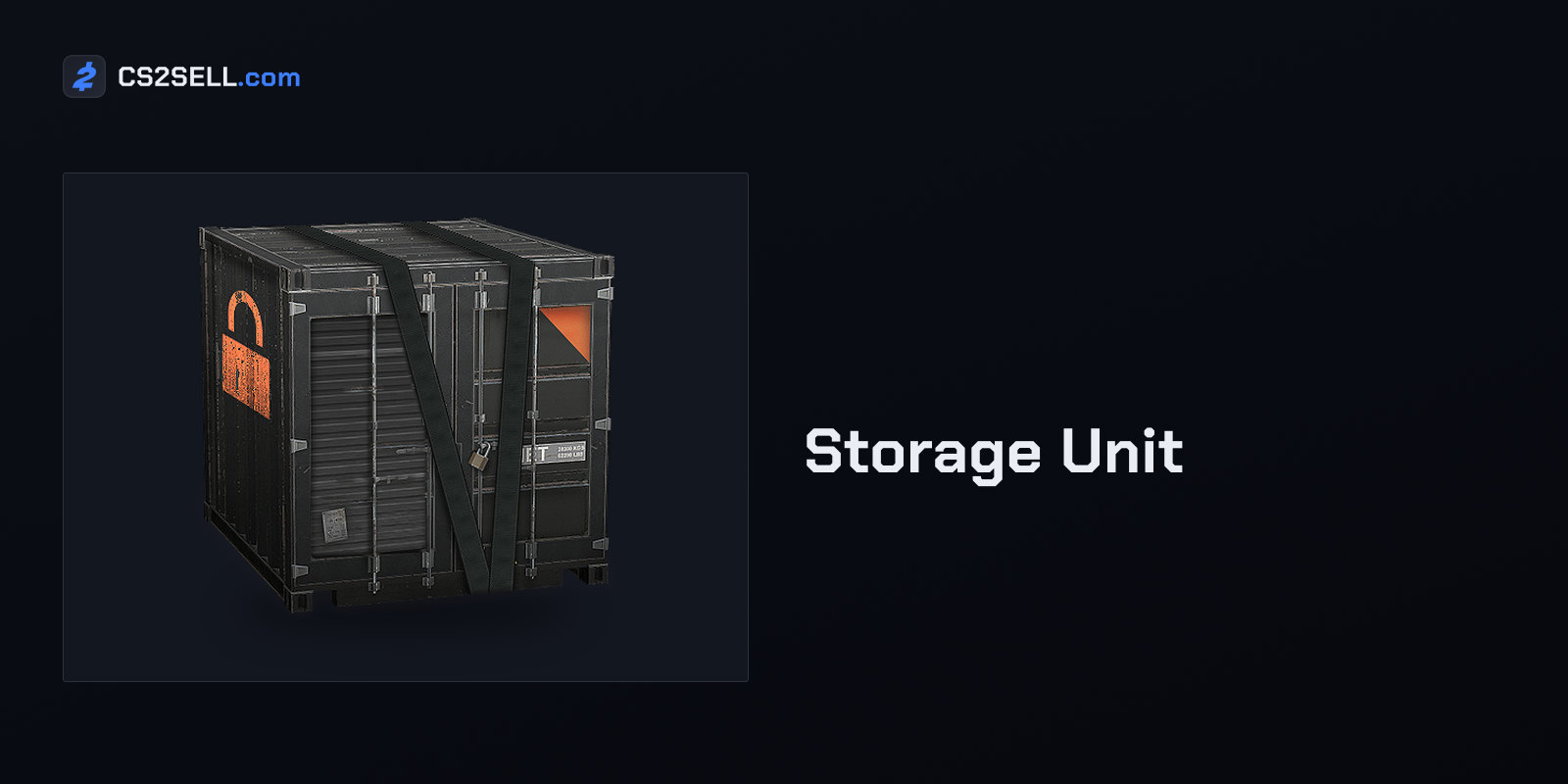
- Storage Units. Valve says anything inside a Storage Unit doesn't appear in your Steam inventory until you retrieve it, so a checker that reads the Steam inventory can't count it.
- Expensive items. A single Steam listing can't go above about $1,800, so many high-end knives and gloves have no Steam price at all. Their estimates come from other sources and can vary widely.
- Trade-protected items. Items received in a trade are protected for seven days. If your trade partner reverses their trades in that window, Valve says all items from those trades go back to their previous owners, so a skin you got this week isn't settled yet.
- Items already listed. Since March 4, 2026, CS2 items you list on the Steam Market stay in your inventory while they're listed, so a checker may count something you've already put up for sale.
Your copy isn't the average copy
A name-based total treats every item as an ordinary example. A very low float, a sought-after pattern or valuable stickers can make one copy sell far above the rest, and none of that shows in a per-name price. Valve's May 12, 2026 Market update made these details easier to compare: listings now show wear and float, pattern template and applied stickers and charms, and stickers and charms link to their own Market listings with current values.
For a special copy, price it on its own. Our step-by-step price check covers finding sales of similar copies.
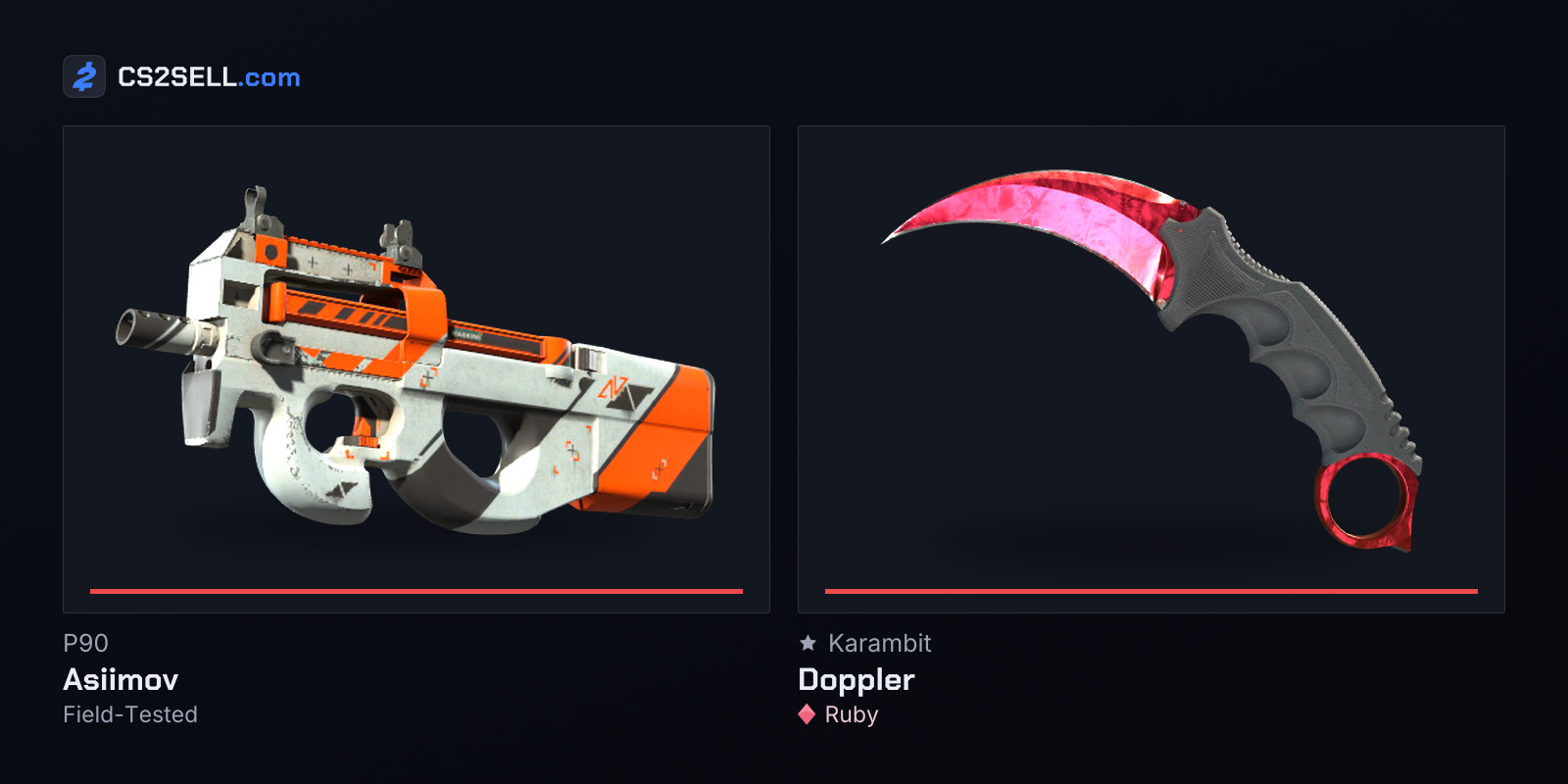
A total is also only a snapshot. After Valve's October 22, 2025 update let five Covert skins be traded up into a knife or gloves, Ars Technica reported that a tracker's estimate for all CS2 items fell from just over $6 billion to just under $4.3 billion overnight. In the same report, the median Steam sale of the P90 | Asiimov went from $10 to well over $100. Inventories changed in value without their owners touching them.
How to check your inventory value yourself
- Open your Steam inventory and filter it to Counter-Strike 2. Note anything held in Storage Units separately from inside the game.
- Group identical items, such as cases and capsules, and count them.
- For each market name, open its Market page and read the price chart for roughly the last month, with the sales volume Steam shows alongside it. A handful of sales gives a rough range, not a price.
- Compare those recent sales with the lowest listing and the highest buy order, so you know how wide the range is.
- Price notable copies, items above the listing cap and anything without recent sales one by one.
- Add it up, write the date next to the total, and decide whether you want the gross figure or what you'd receive after fees.
CS2Sell's Prices pages are one more reference to set against Steam's numbers when you compare.
Using a value checker safely
A checker only needs your profile link or Steam ID and a public inventory. It has no reason to ask for your password, your Steam Guard code or anything else that controls the account.
If a site opens a login window, check where it leads. Valve says all official Steam logins go to steampowered.com, store.steampowered.com, steamcommunity.com or help.steampowered.com, and that you shouldn't enter anything on a site asking for your login that isn't official. Our guide to spotting Steam phishing sites shows how fake sign-in pop-ups imitate the real one.
Sources
- Community Market FAQ — Steam Support
- Steam Community Market Updates — Steam News
- Trade Protected Items — Steam Support
- CS2 - Storage Units — Steam Support
- Account Security Recommendations — Steam Support
- Release Notes for 4/2/2024 — Counter-Strike 2
- Counter-Strike 2 Update, March 4, 2026 — Counter-Strike 2
- CS2 item market loses nearly $2B in value overnight — Ars Technica