Price-checking a skin takes a few minutes and saves you from the two classic mistakes: paying the asking price for something that sells for less, and selling something special for the price of an ordinary copy. Work through the steps below in order, because each one narrows down the number you're looking for.
Step 1: identify the exact item
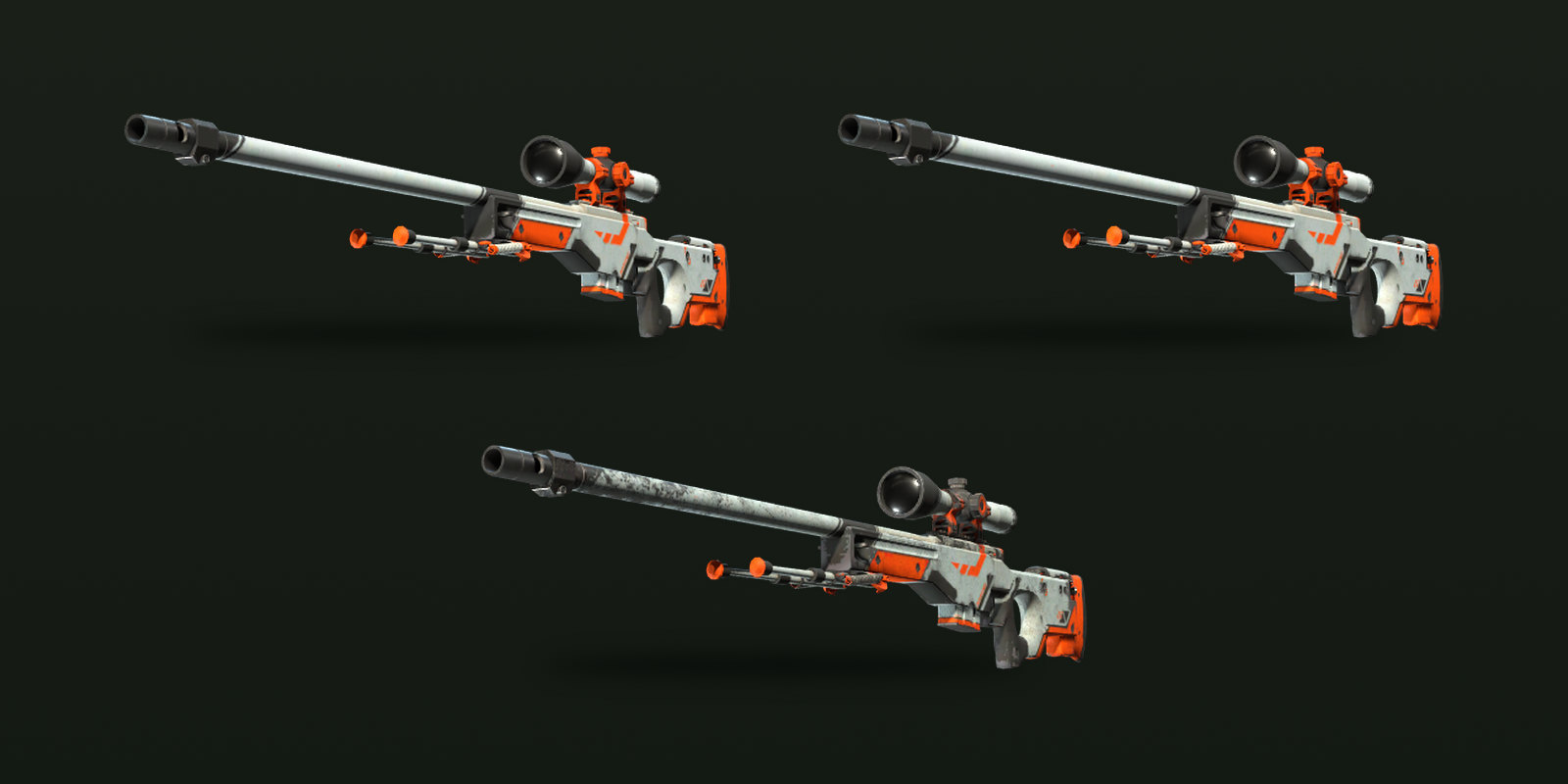
A skin's market name has three parts: weapon, finish and wear, as in "AWP | Asiimov (Field-Tested)". Each wear is a separate item with its own price history, and StatTrak and Souvenir versions are separate items again. Check all three before you look at any number, because the Field-Tested and Battle-Scarred versions of one finish can be priced very differently.
Some finishes don't exist in every wear. The Steam Market page for the AK-47 | Redline, for instance, shows no Factory New price at all. If a listing claims a wear you can't find elsewhere, look again before you trust it.
Step 2: read recent sales, not asking prices
Asking prices tell you what sellers hope for; sales tell you what buyers paid. On the Steam Community Market, the item chart plots median sale prices, and since Valve's May 2026 update it shows sales volume alongside price. Start with roughly the last month and note both the typical price and how many sales sit behind it.
If there are only a handful of sales, treat the number as a rough range, not a price. One unusual sale can move a thin chart a long way. Reading price history goes deeper into volume and outliers.
Step 3: check the bid and the ask right now
Next, look at the live market. The lowest listing is the most you should need to pay today for an ordinary copy. The highest buy order is roughly what you'd get by selling instantly, before fees. The space between them is the spread.
A narrow spread means the price is well established and the median from step 2 is probably close to reality. A wide spread means buyers and sellers disagree, and you should expect either to wait or to meet somewhere in the middle. See buy orders vs listings for how the two sides interact.
Step 4: adjust for what makes this copy different
Everything so far prices an average copy. Now look at the one in front of you:
- Float. Where does it sit inside its wear band? A float close to the cleaner edge of its band can look like the next better wear.
- Pattern. On finishes like Case Hardened or Fade, the pattern can matter more than anything else.
- Stickers and charms. Rare stickers can add real value; common applied stickers usually add little.
Steam listings now show float, pattern template and applied stickers and charms, so you can find listings with similar attributes and compare like with like. You can also check an item in the game itself; see inspecting skins. To compare copies with similar details, the filters on Buy narrow listings by float range, paint seed, stickers and more. The reasoning behind these premiums is in overpay explained.
Step 5: make sure you compare the same kind of price
Prices from different places aren't directly comparable until you adjust them.
| Price you see | What it really means |
|---|---|
| Steam lowest listing | Asking price including the buyer's fees |
| Steam highest buy order | What an instant seller's buyer pays; the seller nets about 87% of it |
| Steam median sale | Middle of recent completed sales, fees included |
| Cash marketplace price | Paid in withdrawable money; fees depend on the site |
The Steam numbers include a 5% Steam fee and a 10% Counter-Strike 2 fee paid by the buyer on top of the seller's share, which is why a seller receives roughly 87% of the price shown. Steam wallet money can't be withdrawn, so a Steam price isn't the same as a cash price for the same item. And because a single Steam listing can't exceed $1,800, expensive knives and gloves often have no Steam price at all.
Step 6: check the news
A price from last week can be wrong today if Valve changed something. After the October 22, 2025 update that let five Covert skins be traded up into a knife or gloves, Ars Technica reported that one knife's minimum price fell by more than half within a day, while the P90 | Asiimov's median Steam price jumped from $10 to well over $100.
Before a big purchase or sale, skim the latest patch notes and look at the chart around recent update dates. Drop-pool changes, new cases and rule changes are the usual reasons for a sudden step in price, and how new cases affect prices covers the common patterns.
Step 7: decide your number
Finish by turning the research into a decision. If you're buying, set the most you'll pay for this specific copy and walk away above it. If you're selling, decide the lowest you'll accept and whether you'd rather sell instantly near the top bid or list closer to the median and wait; instant sell vs listing helps with that choice.
Keep notes on what you found: the median, the volume, the spread and any adjustment for float, pattern or stickers. If the deal falls through, you can re-check quickly later. CS2Sell's price pages on Prices are one more reference to add to those notes.