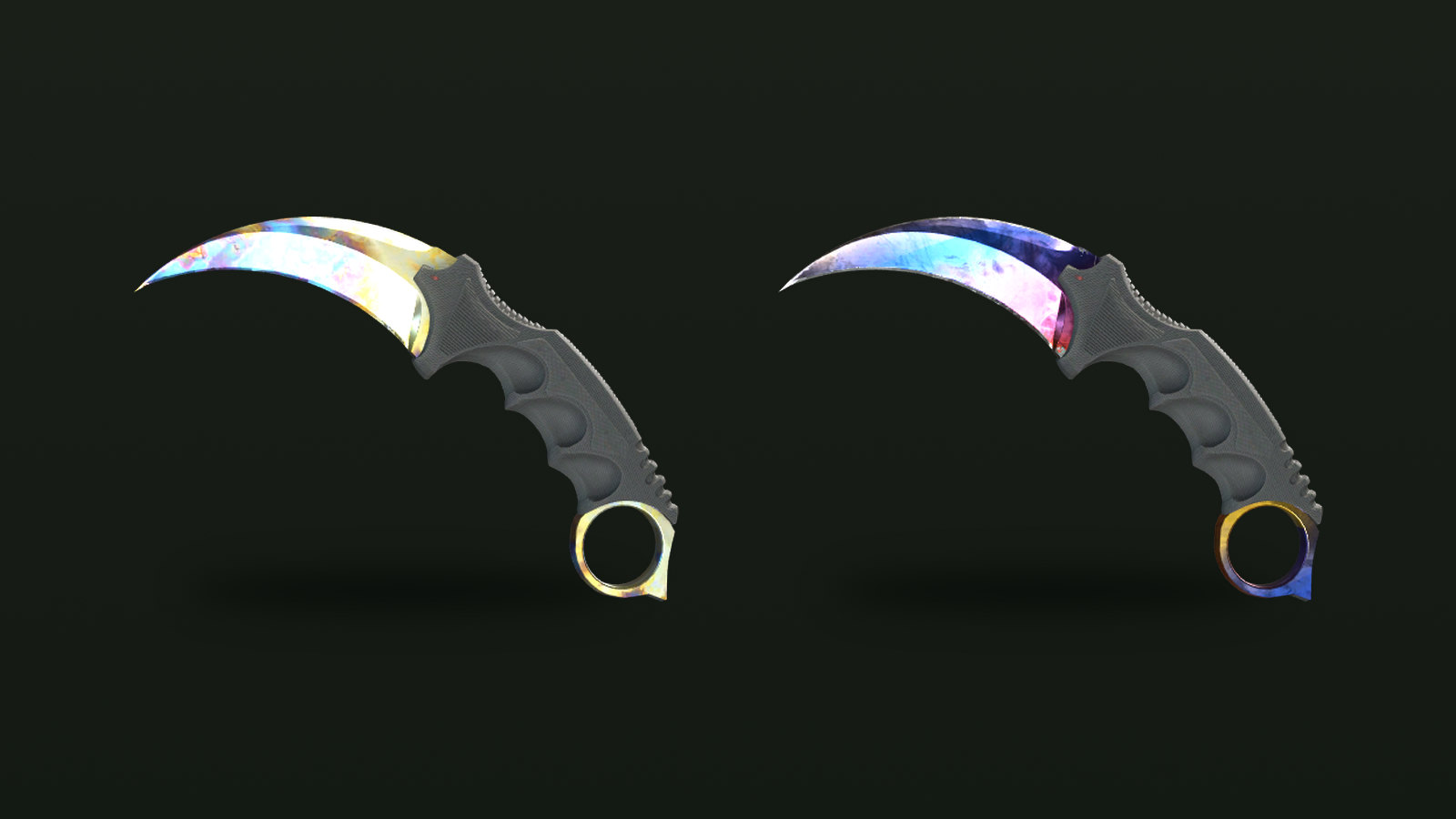
Two copies of the same skin with nearly identical floats can still look different. The reason is the paint seed, a whole number the game assigns when the item is created and shows in the inspect screen as the Pattern Template. On many skins it changes very little, but on a handful of finishes it decides most of the price.
What the seed controls
Valve's Weapon Finishes Guide explains that every finish defines ranges for how its texture is offset and rotated on the weapon. When the finish is applied, the game picks values inside those ranges so that each copy is a little different. The paint seed is the number behind those picks. The documentation of an open-source fade calculator, built on an algorithm Valve has open-sourced, describes it plainly: the seed determines an X offset, a Y offset and a rotation.
You will see the same number called a paint seed, pattern index, pattern template or simply written as #661. References give the range slightly differently (0 to 999, 1 to 1000, or 0 to 1000), but in every version there are roughly a thousand possible values.
A few properties hold for every skin:
- It is permanent. The seed is set when the item drops, is unboxed or comes out of a trade-up, and nothing changes it later.
- It is independent of float. A Factory New and a Battle-Scarred copy with the same seed have the same layout; one is simply more worn.
- It only means something for one skin. Valve scales pattern textures to each weapon's size, and the Steam Community guide to floats and patterns shows the same template stretched differently on different knives. Seed 661 on an AK-47 Case Hardened says nothing about seed 661 on a Karambit.
Two jobs: artwork and wear
On finishes built from a large texture, the seed decides which slice of that texture shows on the visible parts of the gun. That is the effect people usually mean by "pattern".
The seed has a second, quieter job. Valve's guide notes that the grime and scratch textures are placed randomly too, so even on a finish with no pattern to speak of, the seed decides where wear lands. The Steam Community guide illustrates this with two USP-S Whiteouts at the same 0.065 float: on one, the scratches fall mostly outside the visible areas and it looks noticeably cleaner. On expensive items near a wear boundary, that can be worth checking. Float itself is covered in the float values guide.
Finishes where the seed sets the price
| Finish | What the seed changes | What collectors look for |
|---|---|---|
| Case Hardened | How much blue shows against the gold and silver | Mostly blue on the visible side |
| Fade | How much of the colour gradient is visible | A high fade percentage |
| Marble Fade | The layout of red, blue and yellow | Red and blue only, no yellow, on the play side |
| Doppler and Gamma Doppler | Where colours fall within a phase | Strong colour for the phase |
| Slaughter and similar textures | Where shapes land | Recognisable shapes such as hearts or diamonds |
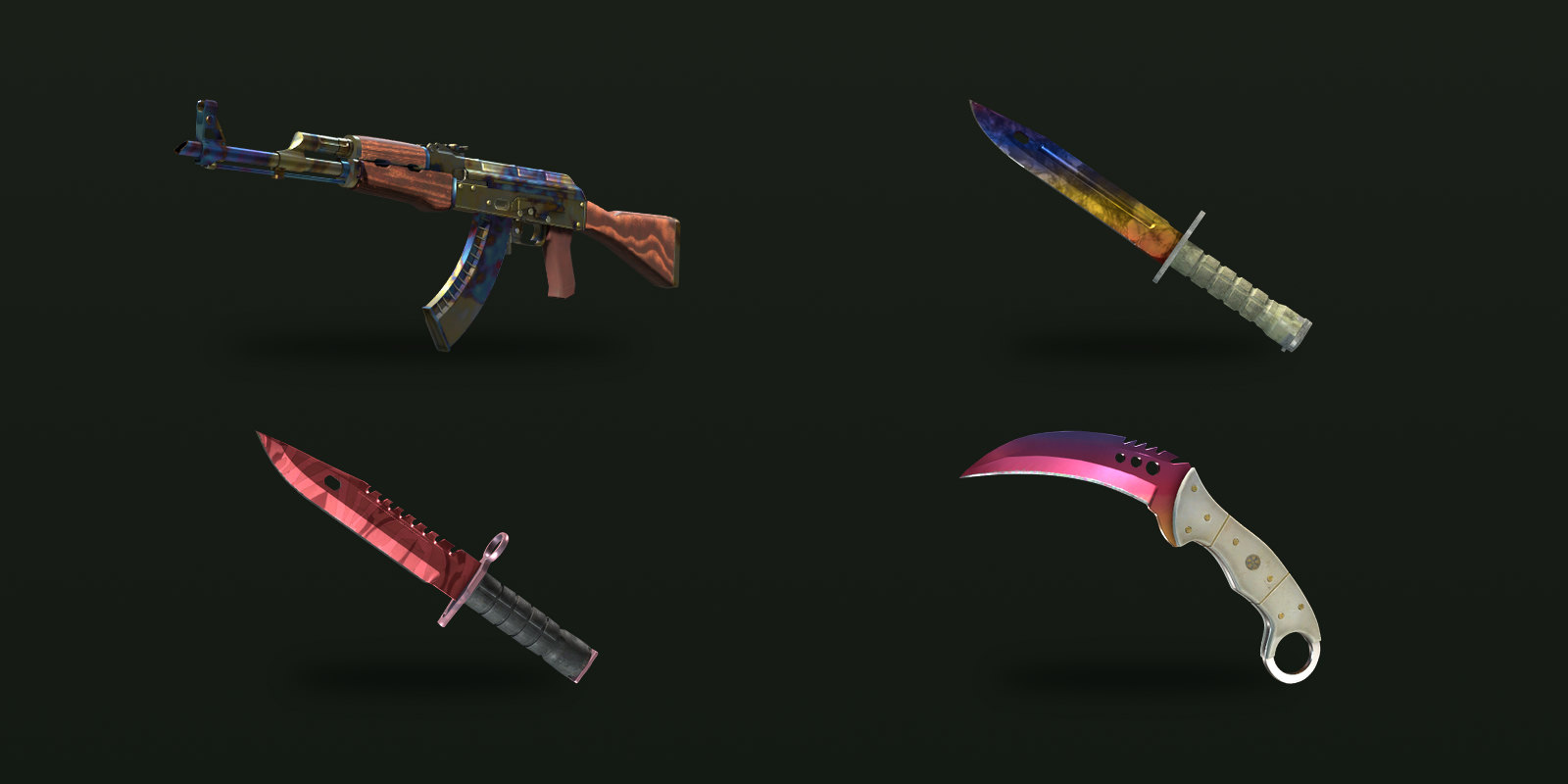
Case Hardened is the best-known example. Seeds that put the blue part of the texture across the visible side are called blue gems, and the top seeds for the AK-47 and Karambit are among the most valuable items in the game. The Case Hardened guide covers them in detail.
Fade skins all use the same gradient; the seed only rotates it. The community turns that rotation into a fade percentage, explained in the fade percentage guide.
Marble Fade layouts with only red and blue on the play side, the side you see when the knife is held, are called Fire and Ice. Win.gg's guide notes that layouts with a little yellow near the handle are usually called "max fake" Fire and Ice, and that some knife models can't produce a true one at all.
Doppler is a special case. The phase, such as Phase 2 or Ruby, is not set by the seed but by a separate finish number. Within a phase, the seed still moves the colours around, which is why two Phase 2 knives can look different. See the Doppler phases guide.
Slaughter and similar textures have smaller cult followings. A long-running Steam Community guide to pattern skins describes collectors hunting for hearts, diamonds and other shapes on Slaughter knives and similar finishes.
Finishes where it barely matters
Many skins are solid colours, small tiled camouflage or custom artwork laid out so that the important parts always land in the same place. On these, the seed changes little beyond where scratches fall, and buyers rarely pay extra for a particular number. Unless a collector community has named a specific layout for the skin you are looking at, you don't need to pay for a seed.
Checking a seed before you pay
In CS2, inspect the item and open the information panel; the Pattern Template line is the seed. For items on the Steam Community Market or in another player's inventory, Inspect in Game opens the same screen. Inspect links also carry the seed, which is how third-party tools read it.
Compare the number against a list for that exact skin, not the same finish on another weapon. Community tier lists are compiled by hand or by image analysis, and they don't always agree, so treat a named tier as a starting point rather than a guarantee. Screenshots can mislead through lighting and angle, so inspect the item yourself before paying a pattern premium.
On CS2Sell, the paint seed filter on Buy lets you search for specific pattern numbers, and there are separate filters for Doppler phase, fade percentage and Case Hardened blue percentage, so you can go straight to the copies that match a list.
Sources
- Weapon Finishes Guide — Counter-Strike
- Skins introduction: Floats and Patterns — Steam Community
- A (Not So) Small Guide For Pattern Based Skins — Steam Community
- csgo-fade-percentage-calculator — GitHub
- A comprehensive guide to CSGO's Fire and Ice skin patterns — WIN.gg
- Karambit Case Hardened Blue Gems: Patterns, prices, and history — Dot Esports