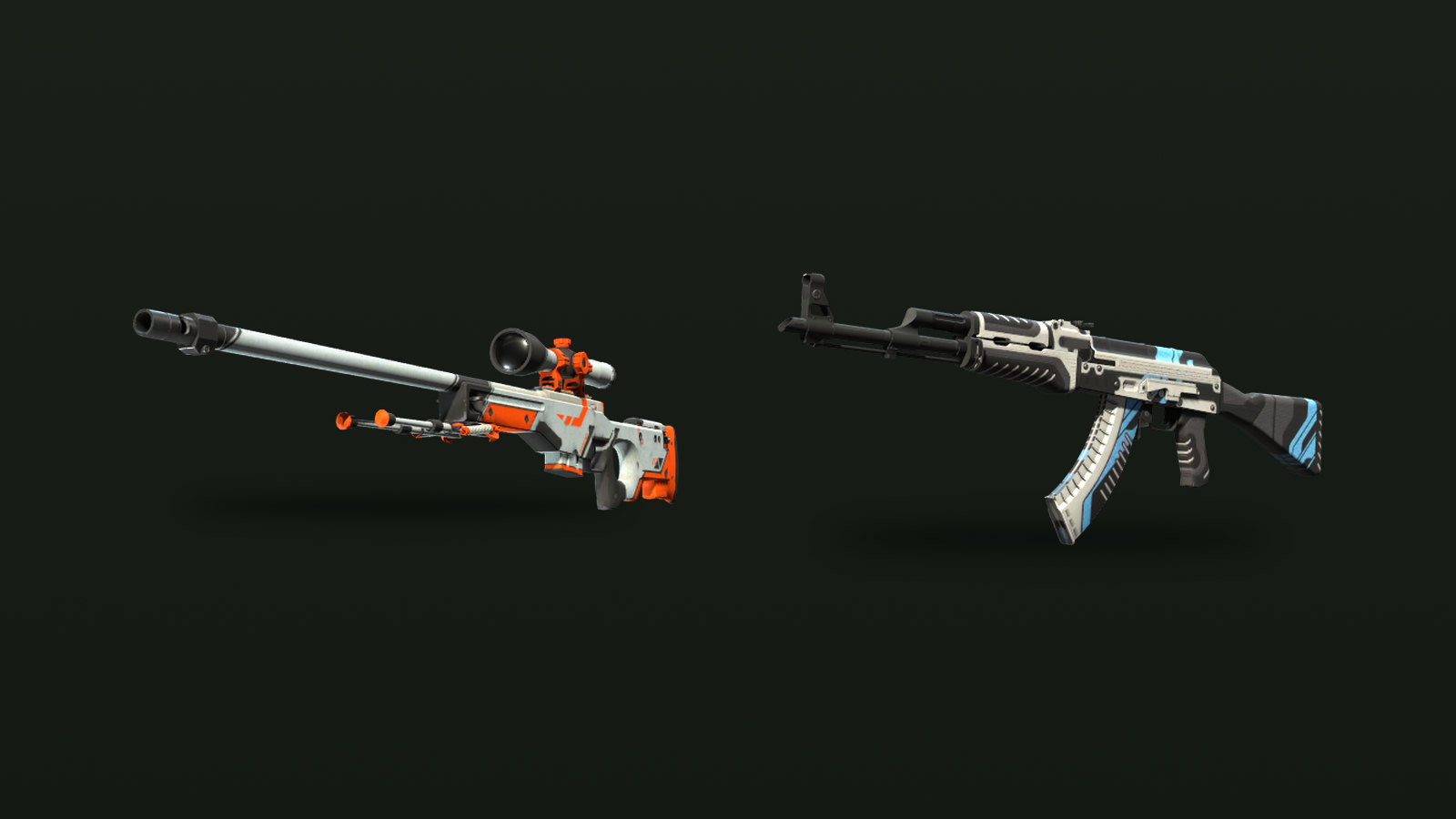
Every weapon finish, knife and pair of gloves in Counter-Strike 2 carries a float value, a decimal between 0 and 1 that is fixed when the item is created. The lower the number, the cleaner the paint. The float also decides which of the five wear names an item carries, and because those names cover wide ranges, the exact number often tells you more than the label.
What the float actually is
Valve's Weapon Finishes Guide for Workshop artists describes the mechanism. Every finish defines a range of possible wear, and when the finish is applied to a new item the game picks a random value inside that range. Higher values add more scratches and grime. The scratch and grime textures are also positioned at random, so two items with the same wear value don't scratch in exactly the same places. That placement comes from the paint seed, which we cover in the pattern index guide.
The value never changes. Kills, rounds played, stickers and trades leave it untouched. The Counter-Strike Wiki, citing a Valve conference talk, notes that wear building up through use was considered during development and then dropped. Float is also purely cosmetic: a rifle at 0.01 and the same rifle at 0.99 handle identically.
In the game the float is labelled Wear Rating. Inspect an item, open the information panel and it sits next to the Pattern Template. An April 2024 update added the wear tier name, shown as Wear Category, to the same tooltip.
The five wear tiers
| Wear tier | Float range | Width of the band |
|---|---|---|
| Factory New (FN) | 0.00–0.07 | 0.07 |
| Minimal Wear (MW) | 0.07–0.15 | 0.08 |
| Field-Tested (FT) | 0.15–0.38 | 0.23 |
| Well-Worn (WW) | 0.38–0.45 | 0.07 |
| Battle-Scarred (BS) | 0.45–1.00 | 0.55 |
One detail causes confusion. Valve's Workshop guide rounds the two middle boundaries to 0.37 and 0.44, but items in the game change names at 0.38 and 0.45. Those are the figures traders and inventory tools use.
The bands are uneven. Battle-Scarred covers more than half of the scale, while Factory New and Well-Worn are each only 0.07 wide. That is why two Field-Tested copies can look like different skins: one at 0.16 sits next to Minimal Wear, while one at 0.37 is a hair away from Well-Worn.
Float caps: why some skins skip exteriors
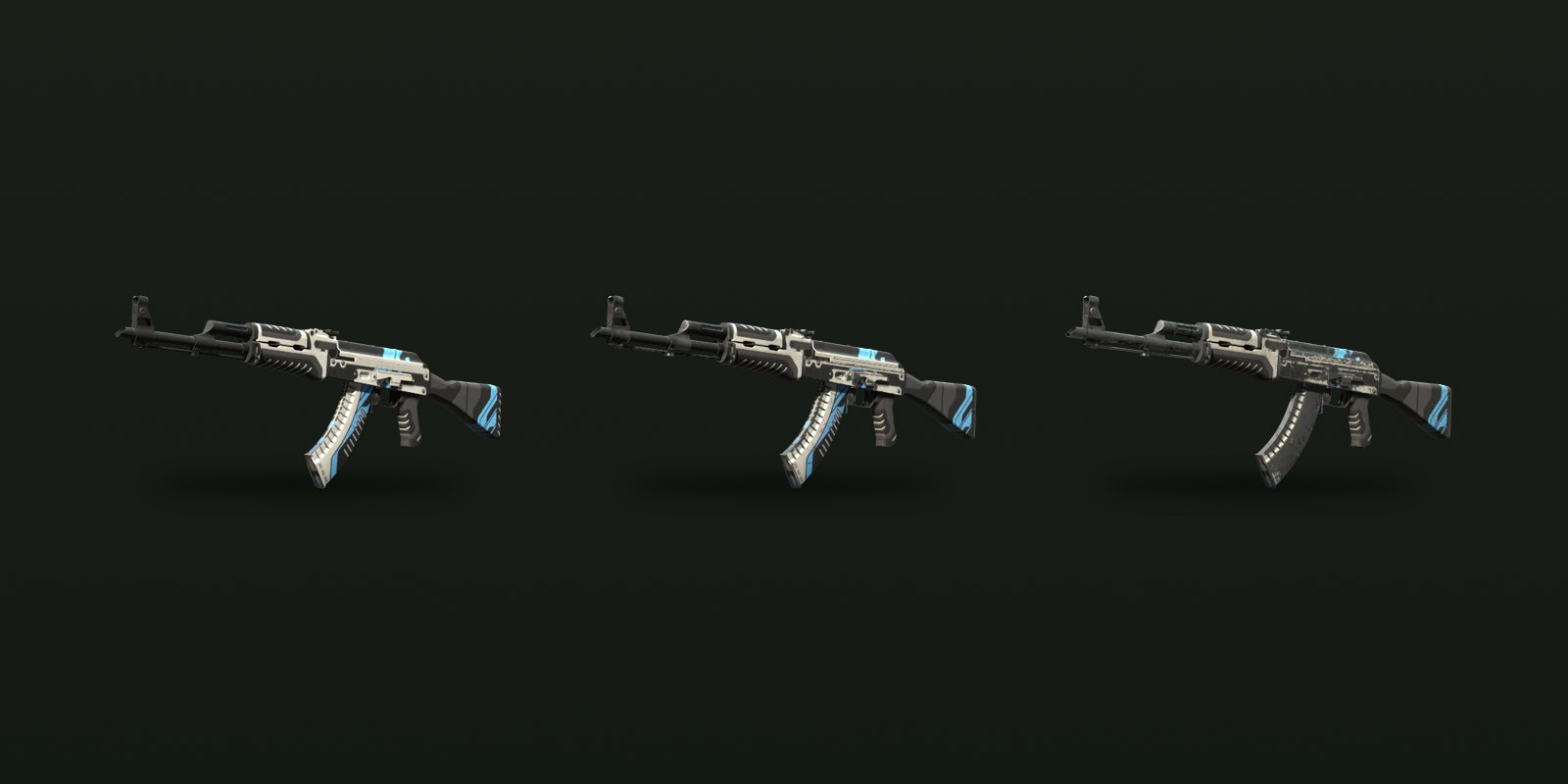
Not every finish can land anywhere between 0 and 1. Each paint kit in the game's item definitions file has its own minimum and maximum, and every new copy falls inside that window. Finishes without a custom window use a default of 0.06 to 0.80. Some examples from the current files:
| Skin | Float range | Exteriors that exist |
|---|---|---|
| AWP Asiimov | 0.18–1.00 | FT, WW, BS |
| AK-47 Redline | 0.10–0.70 | MW to BS |
| M4A4 Howl | 0.00–0.40 | FN to WW |
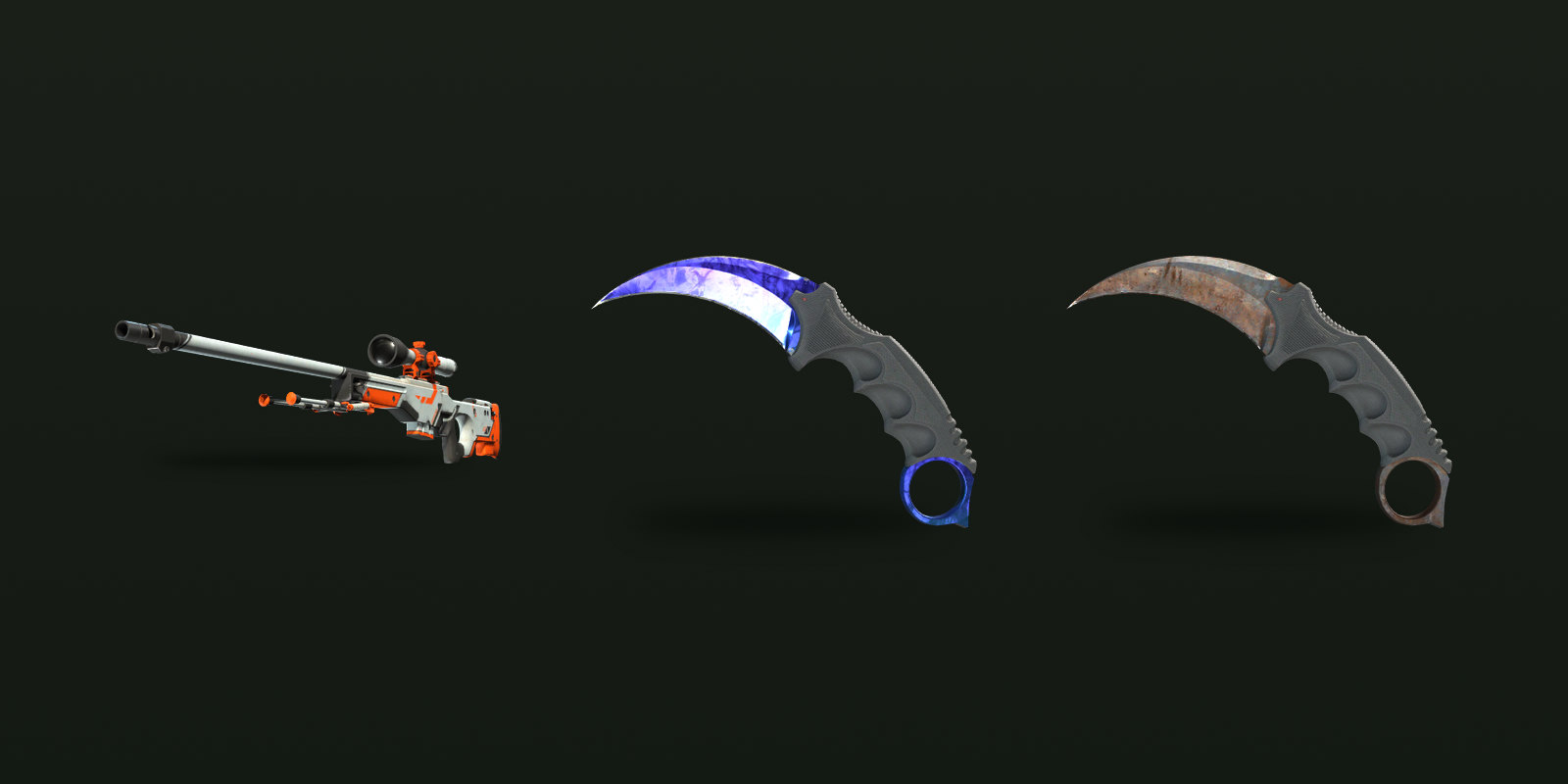
| Doppler, Fade and Marble Fade knives | 0.00–0.08 | FN, MW |
| Rust Coat knives | 0.40–1.00 | WW, BS |
| Crimson Web knives (default window) | 0.06–0.80 | All five, but FN only from 0.06 to 0.07 |
Caps change what a good number looks like. An AWP Asiimov at 0.18 is as clean as that skin can be, even though 0.18 is a middling figure on the full scale. A Doppler knife at 0.079 is as worn as the finish ever gets. When you compare floats, compare them against the skin's own window rather than against 0 to 1.
When the exact number matters
For many inexpensive skins the tier is all that counts, and the cheapest copy in the exterior you want is a fine buy. The float starts to matter in a few situations.
Near a boundary. A 0.071 Minimal Wear and a 0.069 Factory New look almost the same in game, but they carry different names and are priced as different items. A copy just above a boundary can give you nearly the same look for less, and a copy just below one is the version sellers can price higher.
Very low floats. Collectors often pay extra for numbers far below the top of a tier. Dot Esports' guide to Case Hardened Karambits, for example, notes that lower floats command meaningful premiums even within Factory New.
Designs that wear in visible places. Valve's guide lets artists make parts of a design more or less durable, so on some skins the first scratches land on the artwork, while on others the key details stay readable into high floats. Some finishes even reveal hidden details as they wear. Look at the specific copy before you pay for a specific number.
Trade-up contracts. The floats of your inputs set the float of the result, adjusted for each skin's own window. The trade-up contracts guide walks through the formula.
How to check a float before you trade
In CS2, open your inventory, inspect the item and hover over the information icon; Wear Rating is the float. For items in someone else's inventory or on the Steam Community Market, the Inspect in Game option opens the same screen. Market listing names only show the tier, so two Field-Tested listings with the same name can be very different items.
On CS2Sell, the wear and float range filters on Buy narrow listings to the exact band you want, which saves inspecting copies one at a time. If you are selling, check where your copy sits inside its tier and against the skin's own cap before you set a price, because that is where any float premium usually comes from.